FYDO Hospital Update 19/5/2023

New fields available for Appointment Screen Custom Views

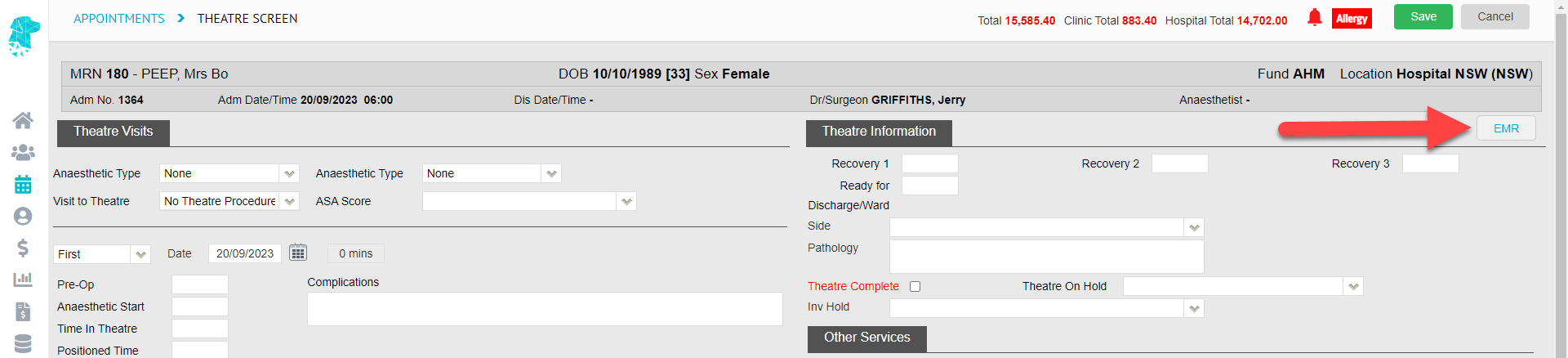
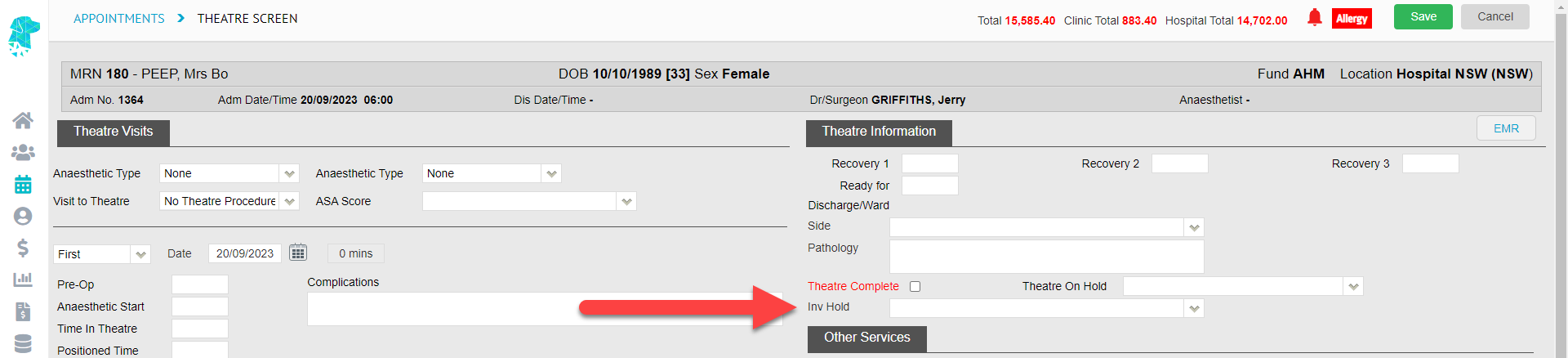
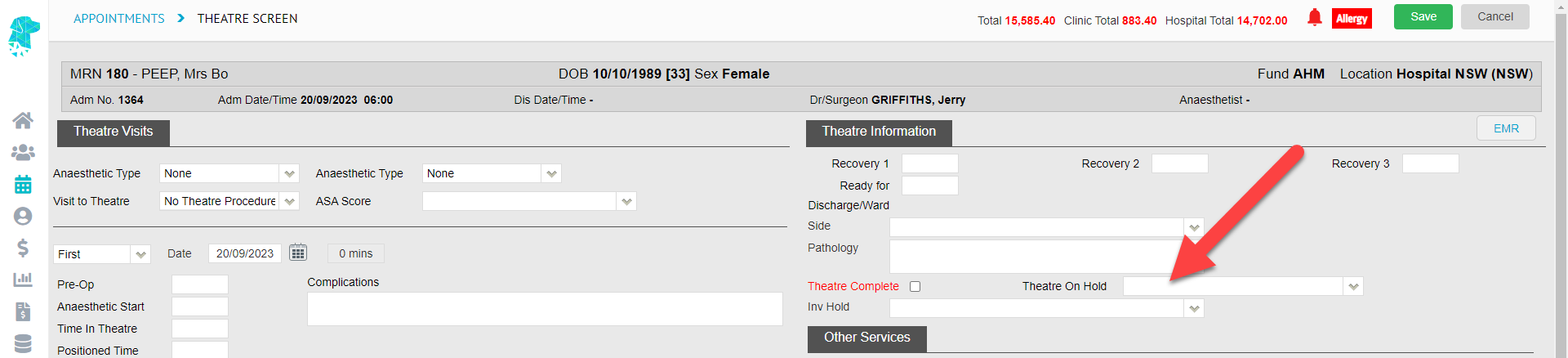
Users are now able to add the Theatre Complete information from the Theatre Screen, along with the Pathology information, to a Custom Appointments View.

This addition will assist in efficient workflow by enabling users to view this information without needing to open the Theatre Screen.

To create a Custom View, with these additional fields, follow our Wiki Instructions on
Creating Custom Views in the Appointments Screen

Here is an example of how it could be set up:


FYDO Clinic Update 12/05/2023

Processing & Payments Reports > Payments Tab Additions

The Payments Tab has now been divided into Clinic & Hospital. This change will benefit facilities that utilise both the FYDO Hospital & the FYDO Clinic modules. For facilities that only utilise one of the modules, there will be no significant change. The user will just need to ensure they click on the relevant tab for their facility.


Appointments Report

The Appointments Report can now be used to filter for appointments not yet invoiced. To ensure the report is accurate, users need to bill from the Appointment screen, as the report picks up on the green invoiced tick against a patients appointment.

 

User Location Access

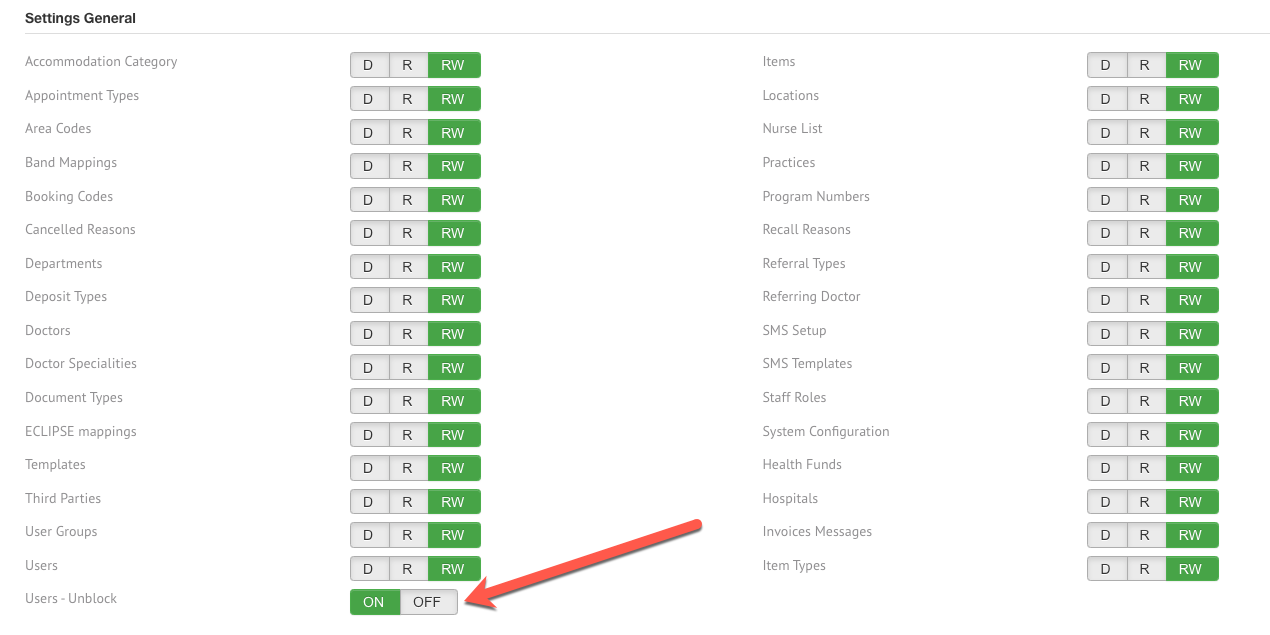
Users can now have their access restricted to a specific location in FYDO. User location access can be found under Settings > Users.


For previous updates, please visit https://wiki.fydo.cloud/updates-clinic/


FYDO Hospital Update – 11/05/2023

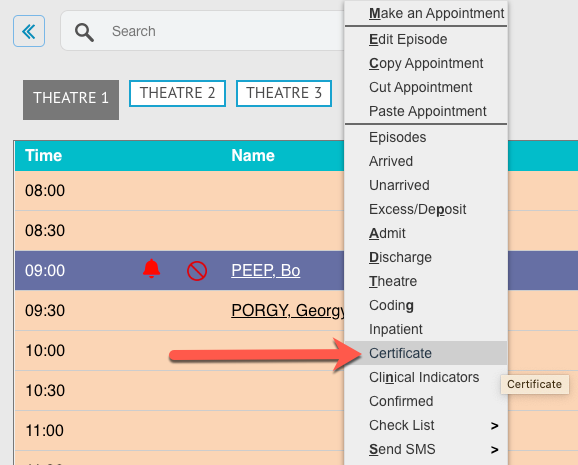
New Checklist Added to Right-Click Menu

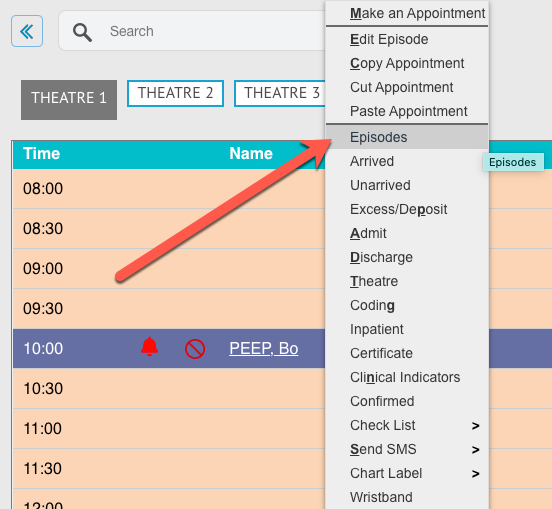
This new feature gives users the ability to easily mark these highlighted tasks off without having to go into the Edit Appointment Screen. They can now be accessed in the Appointments Screen Right-Click Menu.
This will assist in an efficient & streamlined pre-admission process.


Processing & Payments Reports > Payments Tab Additions

The Payments Tab has now been divided into Clinic & Hospital. This change will benefit facilities that utilise both the FYDO Hospital & the FYDO Clinic modules. For facilities that only utilise one of the modules there will be no significant change. The user will just need to ensure they click on the relevant tab for their facility.


Episode Stats Report Addition

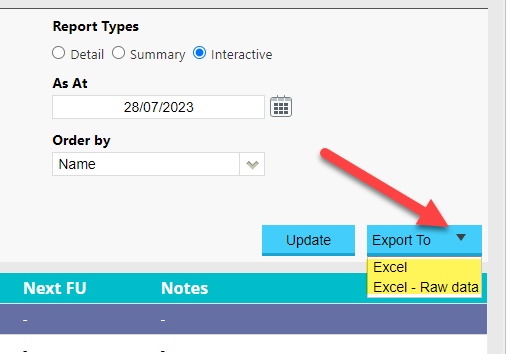
The Entitlement Card information will now be included on the Episode Stats Report when it is Exported to Excel – Raw Data.


FYDO Hospital Update – 4/5/2023

SMS function for Pick Up Person

FYDO now offers the ability to send the Pick Up Person a text message! This fabulous new feature will allow the Pick Up Person to be alerted, when the patient is ready to go, with just a few clicks of the mouse!

The Pick Up Person can be added on the patient screen, using the tab located alongside the Next of Kin details.

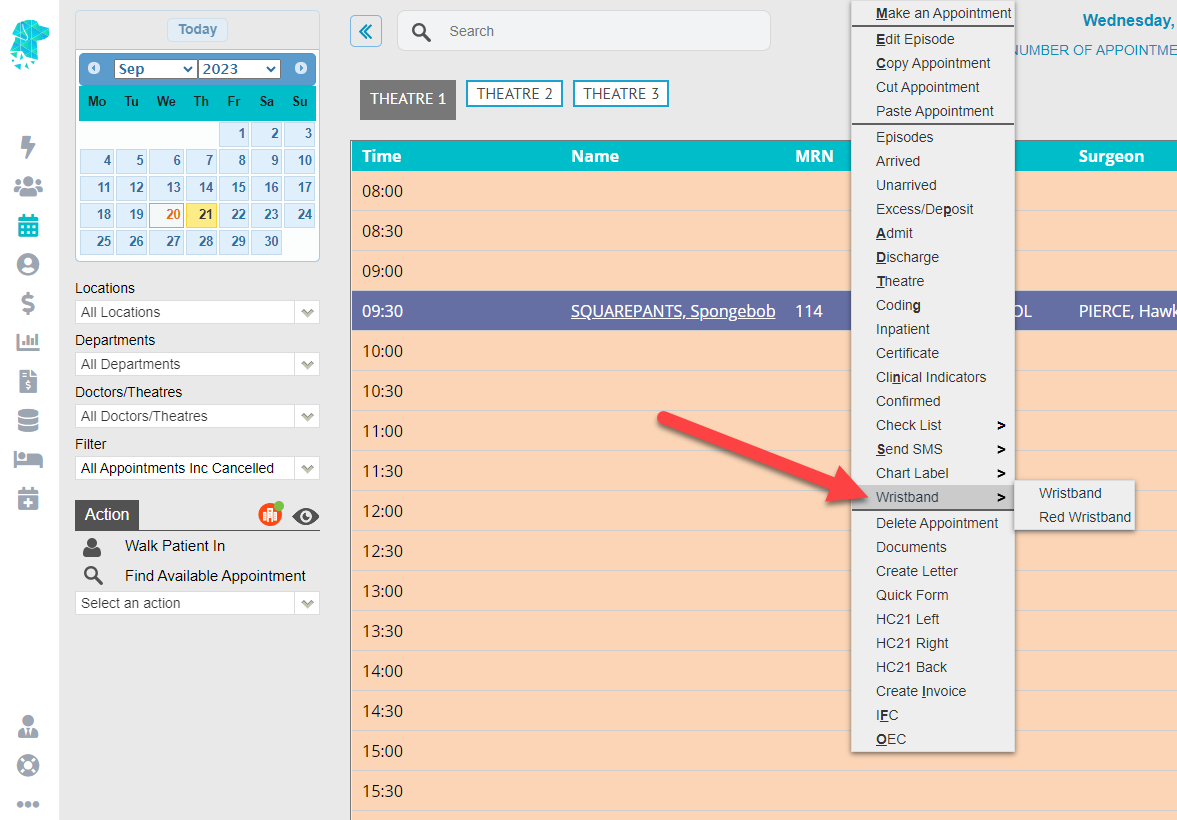
An SMS can be sent to the Pick Up Person by navigating to the appointment & using the Right-Click menu to select Send SMS.

The SMS will then be logged in the patients Communication tab for reference.

SMS Template Examples

Basic Pick Up SMS
Dear <<PUFirstn>>, <<patFirstN>> is now ready to be collected. Many Thanks

Detailed Pick Up SMS
Dear <<PUFirstn>>, Please return to <<EpLoc>> at <<EpLocAdd1>> <<EpLocAdd2>> <<EpLocSub>> as <<patFirstN>> is now ready to be discharged. Many Thanks

Cancelled Episodes Report Additions

The Surgeon/Doctors name has now been added to the Cancelled Episodes Report.

Claiming Hospital – New Hover Feature

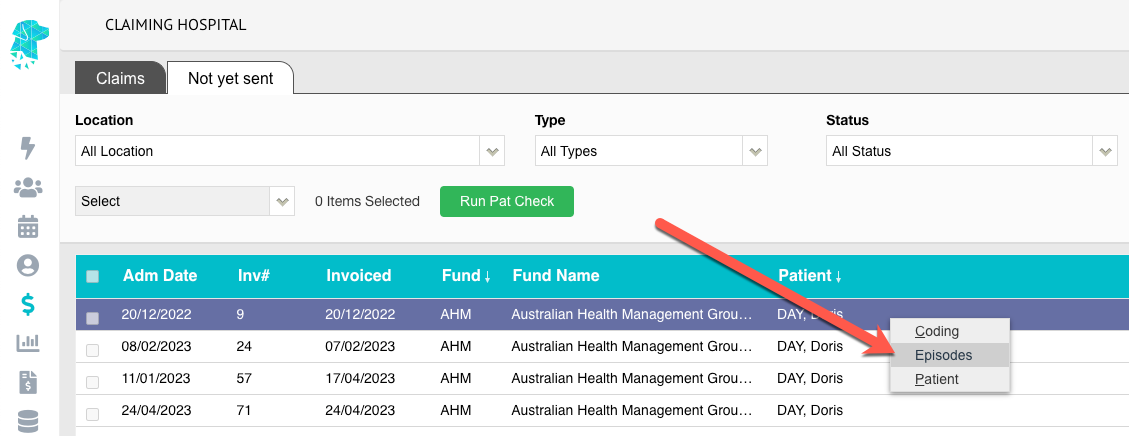
A new hover has been added to the Claiming Hospital > Not Yet Sent tab to assist users in preparing claims to be sent via ECLIPSE.

For claims that are showing as “Not Ready” users are now able to hover over the icon & be reminded of the 3 requirements that are needed to obtain a “Ready” status.

Financial Notes added to Create Invoice Page

Users will now be able to view the Financial Notes, that have been entered into the Episodes Screen, when creating an invoice.

New User Permissions for Multi Location Databases

Users can now be given access to specific “Locations” within the database. This will assist in providing each user with the access to the locations that they require, while restricting access to the locations that they don’t need.
This feature can be located in Settings > Users & is able to be set for each individual user.

Length of Stay Report Additions

The Length of Stay Report now shows a total of the Day Only Episodes & the Inpatient Episodes.


FYDO Clinic Update 28/04/2023

Accounts – Status

We have introduced a new Status on the Accounts screen called No Charges for invoices with a $0.00 invoiced amount.

Claiming Medical

There has been 2 new updates to Claiming Medical:

  1. Claims that are rejected with $0.00 paid will now show with the Status Rejected. Prior, rejected claims would show with the Status Payment Received but with $0.00 in the Paid column.
  2. Users are name able to update a patient’s Fund Membership number and/or Fund UPI number for a claim from Claiming Medical. To change a patient’s Fund Membership number and/or Fund UPI number simply click Action > View Batch Details > Action > Edit Invoice. 


Bug Fixes

Issue with Accounts showing by default in ascending date of service order has now been rectified to show in descending order.


For previous updates, please visit https://wiki.fydo.cloud/updates-clinic/


FYDO Hospital Update – 27/04/2023

Episode Stats Report Addition

There is now the option to exclude cancelled patients from the Episode Stats Report. All discharged patients are always included in the episode stats report, regardless of their cancelled status. Therefore, this new feature will assist facilities, that have cancelled admitted & discharged episodes, to obtain statistics on only patients’ that have had a complete & not cancelled episode.


Bug Fix

  • The issue that was preventing automatic SMSs being sent has been rectified.


FYDO Hospital Update – 20/4/2023

New Tokens Available for Invoices

There are now tokens available to be used on Invoice Templates to show
Invoiced Amount Excluding GST & Total Invoice Charge Excluding GST.
A full list of available Invoice Tokens can be found at:
https://wiki.fydo.cloud/tokens-hospital-invoices/


Bug Fixes

  • The custom view option, that shows the Surgeons Initials, has been corrected to show the initials in the correct order. For example, Dr John Smith will now show as JS
  • The issue with the Interactive Arrears Report hover feature has now been rectified.

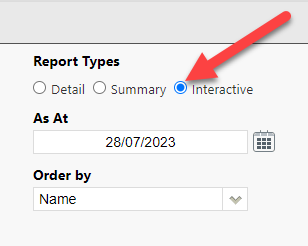
If you’re not already familiar with our wonderful Interactive Arrears Report then pop into Reports > Arrears > Interactive and see how easy it is to run & use! This is a great feature to help keep on top of outstanding debtors.


FYDO Hospital Update – 17/4/2023

Additions to the Theatre Rosters Report

There have been some exciting new additions to the Theatre Rosters Report to allow facilities to obtain Theatre Utilisation Information.
This report can be based on Appointment Booking Time, to get an estimate of utilisation, or based on Time in Theatre to Time Out of Theatre to get an exact utilisation figure once the theatre times have been added to FYDO.
The report also gives the option to view this information by Surgeon or Theatre and totals everything for the timeframe that has been selected!
This will allow for easy collation of utilisation data for any timeframe to assist in hospital planning, budgeting & much more.


New Nurse List View

The Nurse List is now able to be viewed with relevant Expiry Dates that have been added into the system. This allows for easy identification of when the expiry of the nurses AHPRA, Insurance & Working With Children is approaching.
This information can be viewed from Settings > Nurse List by selecting Dates from the View dropdown. The dates will be colour coded depending on when the expiry date is.
Red – Expired
Orange – Expiring in less than 3 months
Black – Expiring in more than 3 months
This information can also be exported to Excel for printing or emailing.


New option for the Theatre Roster requirements

FYDO now gives each facility the ability to decide if they wish to allow bookings to be made with or without a Theatre Roster.
For the new Theatre Utilisation Report (as listed above) to be completely accurate, the bookings need to be made in a Theatre Roster. Therefore, if the facility wants accurate utilisation data, we suggest turning this function on to ensure bookings are not accidentally made outside the Theatre Rosters.
This option is found in Settings > System Configuration > Theatre Roster required when making bookings.


Adjustment Reasons now Customisable

Facilities are now able to customise the Adjustment Reasons to facilitate the collection of data that is relevant to them.
These reasons can be added, amended, deactivated or deleted from Settings > Hospital > Adjustments.


List Re-Ordering Addition

FYDO now shows the Procedure in the List Re-Ordering pop-op box to assist in utilising this new feature.


FYDO Clinic Update 17/04/2023

Revenue Report

Users are now able to export the Revenue report in Excel – Raw Data format.


Report Holding Bay

When committing a report to a patient’s file, users no longer have to link a doctor before being able to commit the report.


Adjustments Permission

We have introduced a new permission to User Groups for Adjustments. Users can now be restricted/or allowed access to edit, add or remove adjustment types. By default, this permission is set to Deny. To modify this permission, go to Settings > User Groups >  Double click on the group you wish to change permissions for > Edit > Under Settings Clinic select the required level of access > Save.


Bug Fixes

Issue with the Invoice Stats report showing incorrect owing amounts has been rectified.


For previous updates, please visit https://wiki.fydo.cloud/updates-clinic/


FYDO Hospital Update – 11/4/2023

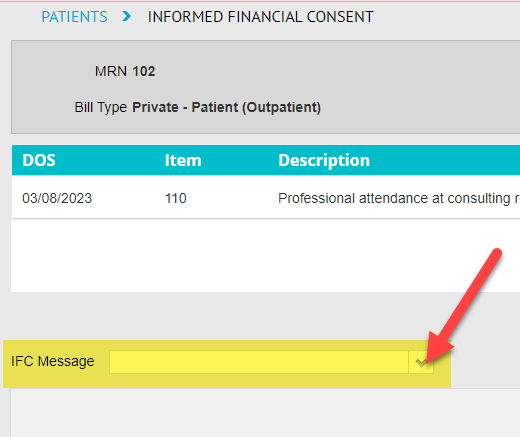
New Informed Financial Consent (IFC) Token

The name of the user that is generating the IFC is now able to be displayed on the document.
Using the token <<IFCUser>> will print the users name in the desired location on the template.


Billing Status Report Additions

When running the Billing Status Report using the Report Type option Show All – Inv Summary the user is now able to see the following fields when they Export to > Excel – Raw Data:

  • Transaction Date (TransDate)
  • DRG
  • Date Grouped


Bug Fix

The issue that some users were experiencing with the system creating a different invoice number, from that of the deposit, has been rectified. This issue was identified as happening when the invoice was raised from the History/Episode Screen.