FYDO Hospital Update – 20/2/2023

Preadmit Additional Feature

FYDO can now import the Emergency Contact & Pick Up Person from Preadmit.
If the patients are asked to provide these details when they complete their online admission form, through Preadmit, we are now able to update these details in FYDO.
Please contact us if your facility would like to utilise this feature.


New Referral Date Feature

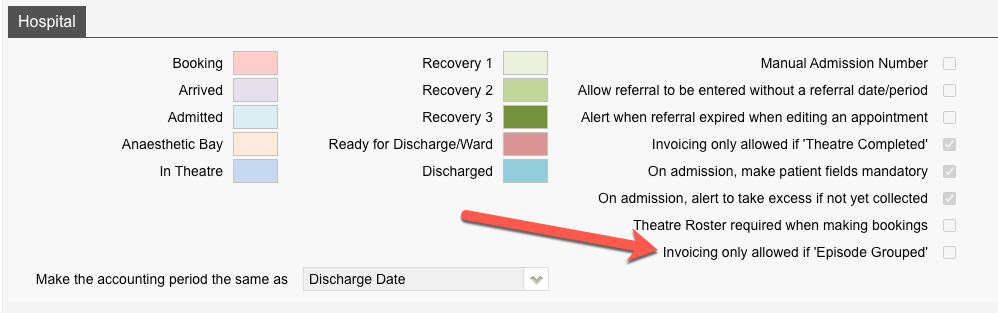
FYDO now has the ability to allow facilities the choice of either requiring a referral date or allowing staff to enter the referring doctor without a referral date being necessary.
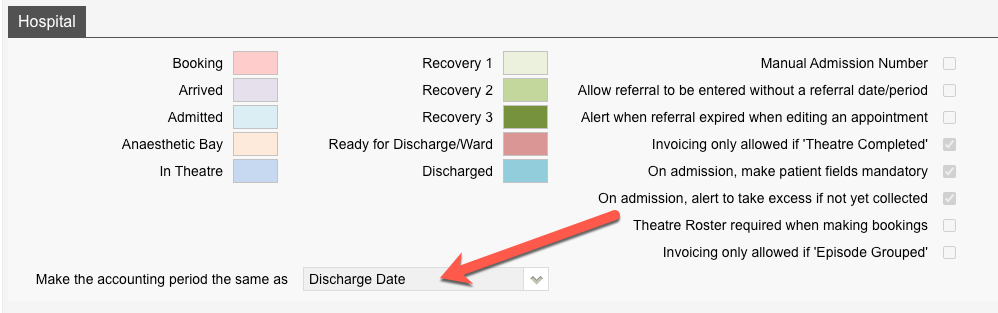
This feature can be activated by selecting Allow referral to be entered without a referral date/period in the Settings > System Configuration menu.


New ‘End of Current Fees’ feature

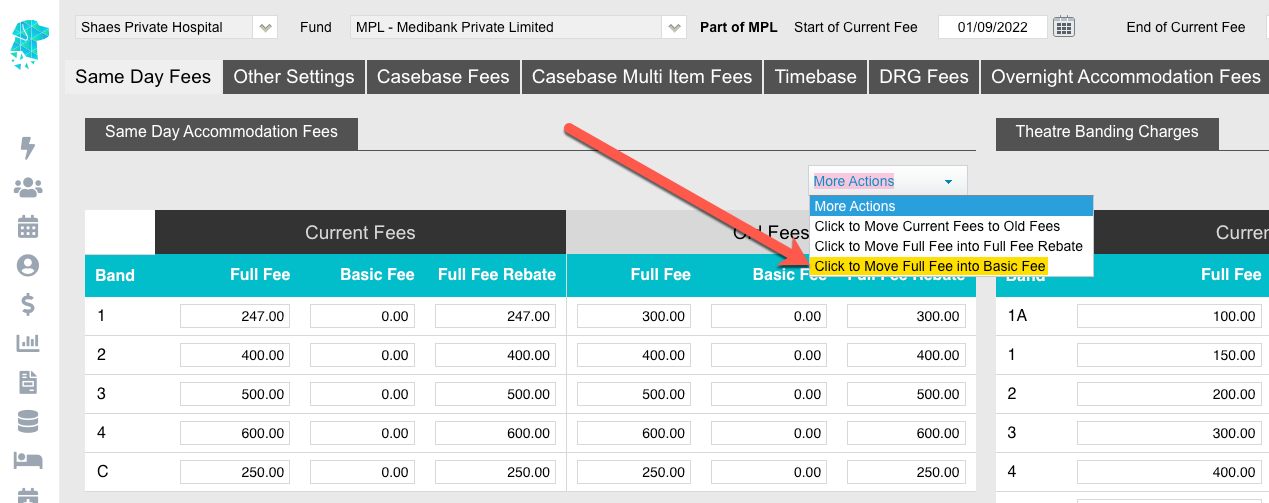
There is a new field that facilities can utilise in the Fees Setup. It allows for the End of Current Fees date to be entered. The next step we will undertake, in developing this feature, is to alert the user if they are trying to bill an episode that falls after the end date of the current fees. The implementation of the next development stage is expected to be in the next few weeks.


New ‘Estimated Recovery Time’ feature

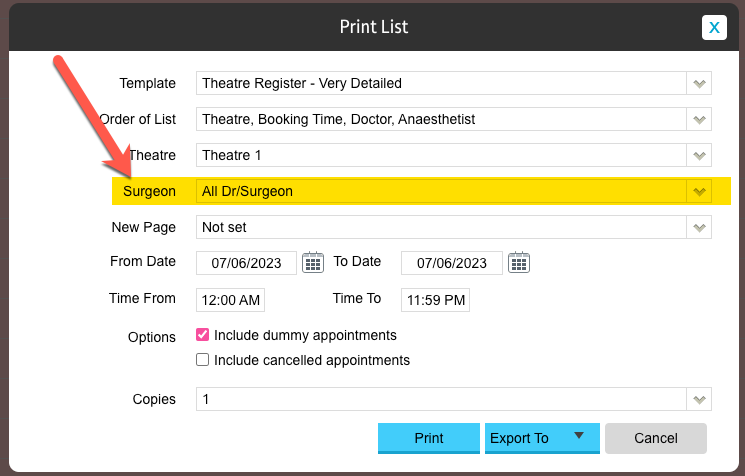
The Estimated Recovery Time can now be added to print list templates. This time calculates by adding the Length of the Booking to the Booking time.
Therefore, Booking Time + Length of Booking = Estimated Recovery Time.

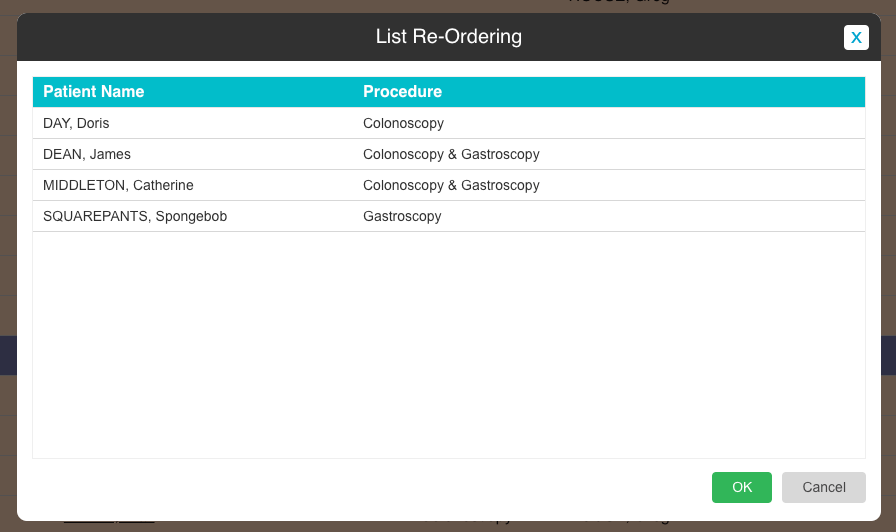
Theatre lists can then be generated in order of this Estimated Recovery Time using Order of List. This list will be beneficial as a Recovery List to enable recovery to see the patients’ order as they are expected out of theatre.


FYDO Hospital Update – 13/2/23

Printing Fees

FYDO now offers users the ability to print out health fund or contracted fees. This can be done by going to Settings > Fee Setup and selecting the Print option in the top right corner. The option to print the current fees or the old fees are both available.


Length of Stay Report Additions

The Length of Stay Report can now be Ordered by Time From. This option will place the episodes in order of the first time selected. For example, in the demo below, by Admission Time.

The Length in Minutes has also been added to the report when users Export to > Excel – Raw Data to assist with data collection.  


NSW Health amendments

NSW Health does not require the patient marital status to be included in the data extract unless the episode is a mental health admission, so we have removed the mandatory requirement.


Bug Fix

Alert for Multiple Theatre Visits is showing on the Theatre Screen again.


FYDO Clinic Update 13/02/2023

Medicare/DVA Billing

Users can now easily bill multiple dates of service for Medicare/DVA claims. Prior, users would billing different dates of services by creating a new invoice each time. Now, users can change the date of service for each Item under the DOS column on the Clinic Billing screen & when the billing is saved, FYDO will automatically create separate invoices per each different date of service.

(Please note: This is not recommended for DVA Community Nursing clients due to Community Nursing Hours/Visits will not be allocated correctly per invoice)


Edit Referral

FYDO has a new option added to Claiming Medical called Edit Referral, it is located on the Item Details screen under the More Action drop down. Users can now simply edit, delete or add another referral without having to completely rebill. Any changes made to a patients referral on this screen will also update over to the Patient Details screen.


Accounts – List View

A new view has been added to the patient Accounts screen called List. Compared to the Summary view that shows the patients list of invoices, the List view will show the items that have been billed for the patient.


Adjustments 

Users can now add, edit or remove adjustment types for Settings > Adjustments. 

(Please note: An adjustment type cannot be removed if it has been used before and if the name of an adjustment type is changed this will also reflect on historical data) 


For previous updates, please visit https://wiki.fydo.cloud/updates-clinic


FYDO Hospital Update – 6/2/2023

Online Patient Verification (OPV) tick added to the Appointment Screen

Users can now clearly see if the OPV check has been successful with the addition of the Blue Tick to the Appointments Screen.  The OPV check is required to be able to send claims via ECLIPSE & also for certain data extracts to be successful.

Australian South Sea Islander (ASSI) information added to Episode Stats Report

Users will now be able to view & filter patients by their ASSI status by exporting the Episode Stats Report to raw data. This information will show in column X of the excel spreadsheet, after the indigenous status information.

Additional user access options

Facilities can now give users access to 3 additional functions.

These functions allow certain users to access, edit & delete the Communications information. The communications tab can be located by going to the patient screen & selecting the Communication Tab.
It is a great spot for doctors, nurses & administration staff to add notes relating to the patient.

Two-Step Authentication App Option

Users are now given the option to use a Two-Step Authentication App when logging into FYDO, as opposed to the SMS or Email options. The SMS & Email options are still available, however the Authentication App is a more secure, timely & reliable option. Especially for facilities that have poor mobile phone reception or slow internet speeds. Please visit https://wiki.fydo.cloud/fydo-two-step-authentication/ for more information on this addition to FYDO.


FYDO Clinic Update 06/02/2023

Online Patient Verification (OPV) tick added to the Appointment Screen

Users can now clearly see if the OPV check has been successful with the addition of the Blue Tick to the Appointments Screen.  FYDO will automatically do an OPV check in the background when saving an appointment if the patients details have not yet been verified.


Exceptions Report

A New Report  has been added called Exceptions. Users can now export their claims with exceptions codes into Excel – Raw Data format.


Additional user access options

Facilities can now give users access to 3 additional functions.


These functions allow certain users to access, edit & delete the communications information. The Communication tab can be located by going to the Patient Details screen & selecting the Communication Tab.
It is a great spot for doctors, nurses & administration staff to add notes relating to the patient.


Two-Step Authentication App Option

Users are now given the option to use a Two-Step Authentication App when logging into FYDO, as opposed to the SMS or Email options. The SMS & Email options are still available, however the Authentication App is a more secure, timely & reliable option. Especially for facilities that have poor mobile phone reception or slow internet speeds. Please visit https://wiki.fydo.cloud/fydo-two-step-authentication/ for more information on this addition to FYDO.


For previous updates, please visit https://wiki.fydo.cloud/updates-clinic


FYDO Hospital Update – 25/01/2023

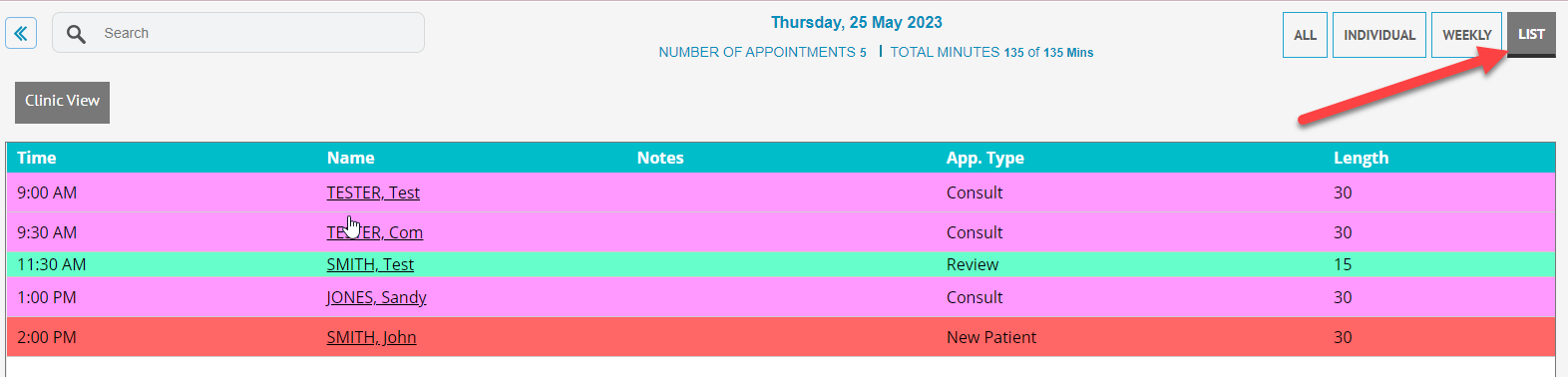
New “List” View in the appointments screen

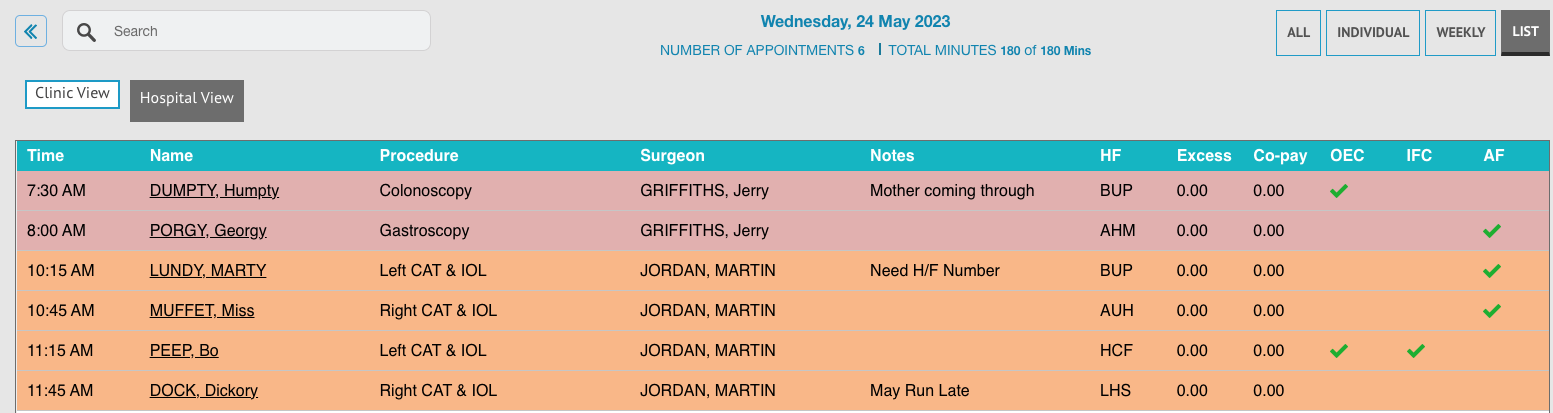
There is a new view available in the FYDO Appointments Screen, that replicates the “All View” from SimDay, allowing users to view all appointments for the day as one continual List.
This view allows users to order the episodes by Time, Name, Surgeon, or List (theatre).
This is the first stage of our new List View release, with the ability to customise this view coming in the future.


New email field for the Next of Kin

There is now a field available to add the Next of Kin email address in FYDO, if this is required by the facility. Once saved, the email address will create a hyperlink that can be clicked on to send an email to the NOK.


Billing Status Report Addition

Payment and Adjustment information can now be added to the Billing Status Report, when it is run for Show All – Inv Detail.
Selecting this box will ensure all payments & adjustments are shown, along with all the invoice information.
To see the invoice information only, simply leave this box un-ticked.


New Report for NSW Health

A new report has been added to assist New South Wales hospitals with submitting their statistical data. The Patient Statistical Data for NSW Health Report will allow hospitals to collate this required information with ease.


Bug Fixes

For Queensland Hospitals > when discharging DVA patients’ the Compensable Status field will now pre-populate to the correct option.


FYDO Clinic Update 24/01/2023

Patient Archive

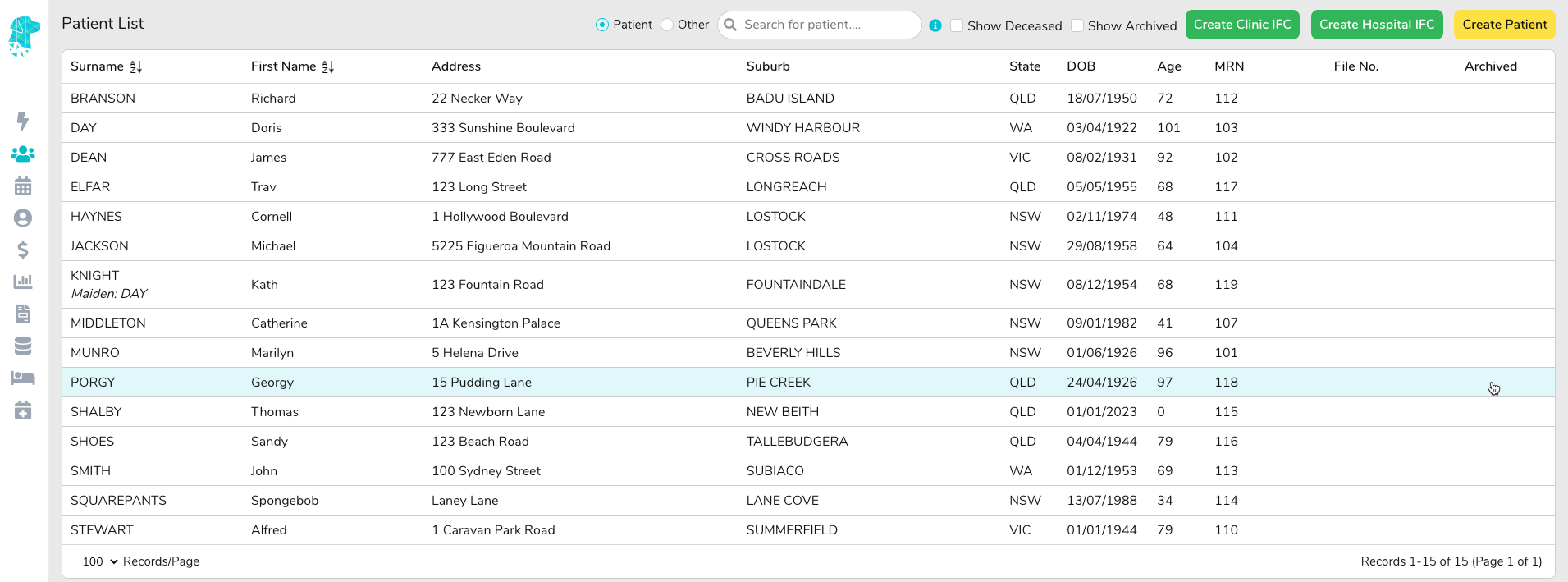
Archived patients are now hidden by default on the patient list. Users are able to show Archived patients by clicking on the tick box called Show Archived to the right of the Search field.   


To mark/unmark a patient as Archived go to Patient Details > Edit > Archived (found under the Other Information section) > Yes/No > Save


For previous updates, please visit https://wiki.fydo.cloud/updates-clinic


FYDO Hospital Update – 09/01/2023

“Other Notes” can now be added to the Appointment Screen Custom Views

The Other Notes section in FYDO (previously on the bottom right corner of the patient screen in SimDay) can now be added to the custom views on the Appointments Screen.
The Other Notes can be added by opening the Patient Screen & selecting the Other tab, along the top. Then simply click Edit and type the required Notes before selecting Save.

These notes are specific to the patient, not just an individual episode. Therefore, they will show on ALL of that patients’ episodes that are entered.
When creating the custom view the user has the option of displaying the Icon or the Text for this field. If the Icon option is added, the user will be able to hover over it to reveal the notes.


Procedure Notes Field Amendments

The Proc Notes field in the Edit Appointment screen has been amended to now allow up to 250 characters. (Previously this was capped at 180 characters)


Revenue Report Amendments

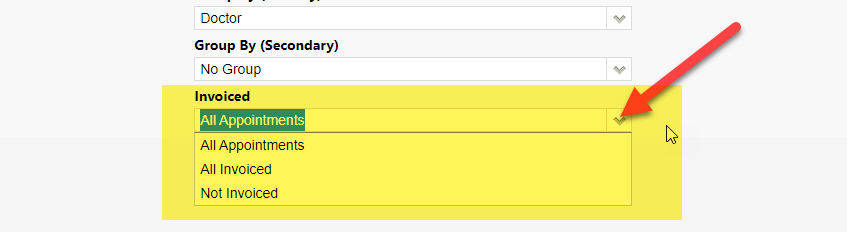
Users are now able to run the revenue report using the filters for Group By (Primary) as Health fund & the Group By (Secondary) as MBS. This gives information that will assist in certain tasks, such as contract negotiations etc


User Options Addition

FYDO now allows users to nominate an email address, other than their log in email, to raise their support tickets from. This in turn means that the additional email address will receive the confirmation emails, when tickets are raised for support, & will allow the FYDO support team to reply to the nominated email also.
One instance of this new feature being of benefit is when users have been set up using personal email addresses. It will allow the ticket to be raised from the nominated facility email address, as opposed to the users personal email address, preventing sensitive information from being transmitted to unauthorised email addresses.


Bug Fixes

The issue with the custom appointment screen views dropping off has been rectified.


FYDO Clinic Update 06/01/2023

Payments (Clinic) Report

We have added new Report Type options to the Payments (Clinic) report, Summary and Summary (Categories). The new options allow users more flexibility to tailor the report to their specific needs.


Bug Fixes

The issue with custom views disappearing from the appointment book has now been rectified.


For previous updates, please visit https://wiki.fydo.cloud/updates-clinic/


FYDO Hospital Update – 04/01/2023

FYDO Server Security Update

The FYDO Server Security Update was successful & concluded quicker than expected. Thank you for your cooperation as we implemented these changes to improve our system, further enhancing the security of your data.


Data Extracts Additional Feature

When Preparing Data Extracts there is now the option to Right Click on each line to navigate to the required page in order to amend the information. E.g., Admission Screen, Discharge Screen, Theatre Screen etc. The Patient Name has also been changed to a hyperlink, to enable to user to navigate to the Patient Screen as well.


Session Information Hover Option

The option to see the session information, when hovering over the theatre name, has been added to the All View in the appointments screen.
Simply hover over the theatre name, at the top of each column, to display the session information for that theatre.


Cancelled Episodes Report

The Other Notes field, from the edit appointment screen, has been added to the Cancelled Episodes Report.


Appointment Custom Views

For customised appointment screen views to hold, when moving in and out of screens, FYDO now has the ability to set a favourite custom view for each different view type!
For example:

A favourite All View
A favourite Individual View
A favourite Weekly View

This allows the user to change between custom view types by simply selecting the type in the top right corner. This action will then automatically load the users favourite view for that type.
To implement this change, FYDO will now only show you the available views for the option that you have selected.
E.g., As below, the ALL option is selected in the top right, therefore when hovering over the eye icon , on the left, only the ALL Custom views will be shown.

To set a favourite firstly go into the ‘View Type’, in the top right corner, and hover over the eye icon to see the custom views that are specific to that Type. Then click on the heart next to the desired favourite view.


Appointments Screen Hover for Status Description

Users are now able to hover over the Status (S), Coding (C) & Billing (B) column titles to show the full description of what the letters that show on the screen represent.


SA Health – ISAAC Data Extraction Amendments

Morphology codes will no longer be included in the ISAAC Data extractions from FYDO, as per their requirements. Any data extractions done prior to this week, that need to be amended, can be rectified by simply re-extracting the data.


Mental Health Same Day BUPA Patients

To increase the acceptance of BUPA same day mental health claims, we have implemented the mapping of service codes for accommodation type items, specified on BUPA agreements.


Bug Fixes

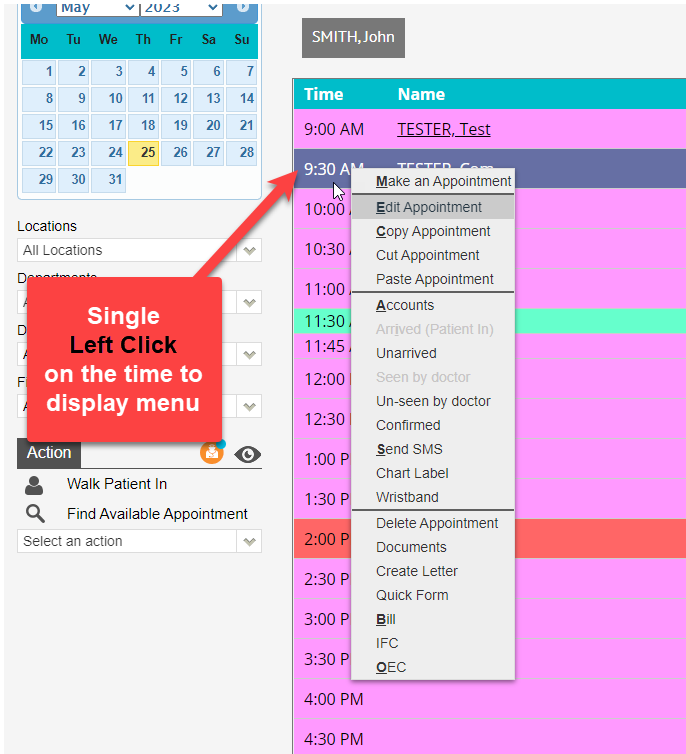
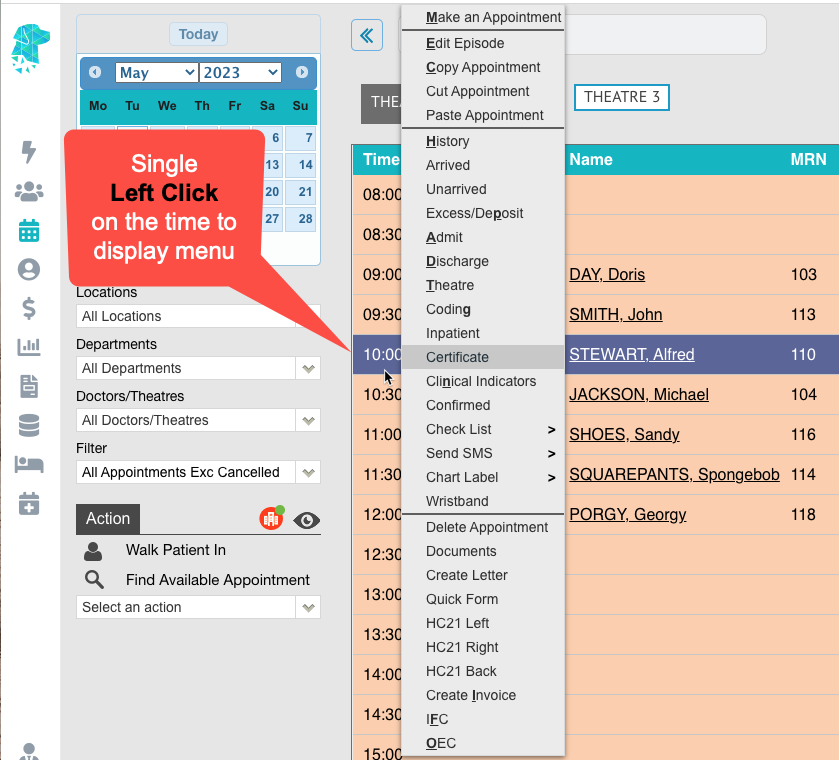
The EMR option has been returned to the appointments screen right-click menu.