FYDO Hospital Update 14/11/2022

New Theatre Roster Report Improvements

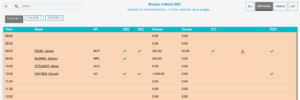
Our new Theatre Roster Report is now able to be run for dates in the future.


Payment Summary Report Improvements

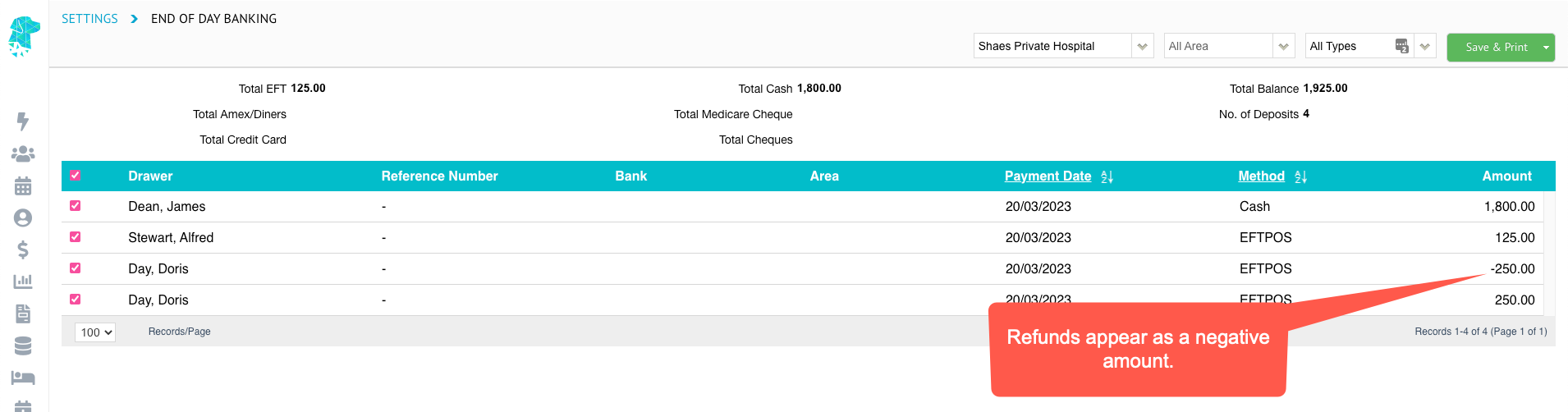
The Payment report, when run by Report Type Summary, will now group the transactions by their payment types.


Bug Fixes

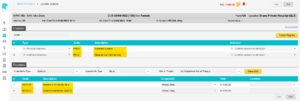
The DRG error, that was occurring when running the grouper, has now been amended.


For previous updates, please visit https://wiki.fydo.cloud/updates-hospital/


FYDO Hospital Update 7/11/2022

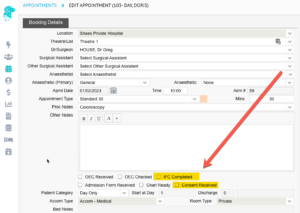
Informed Financial Consent (IFC) printing multiple copies

When generating an IFC there is now the option to print multiple copies.


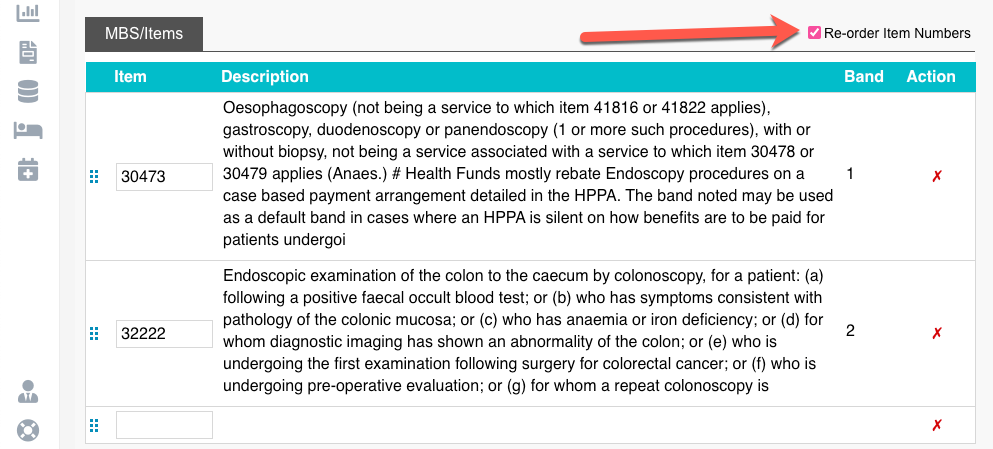
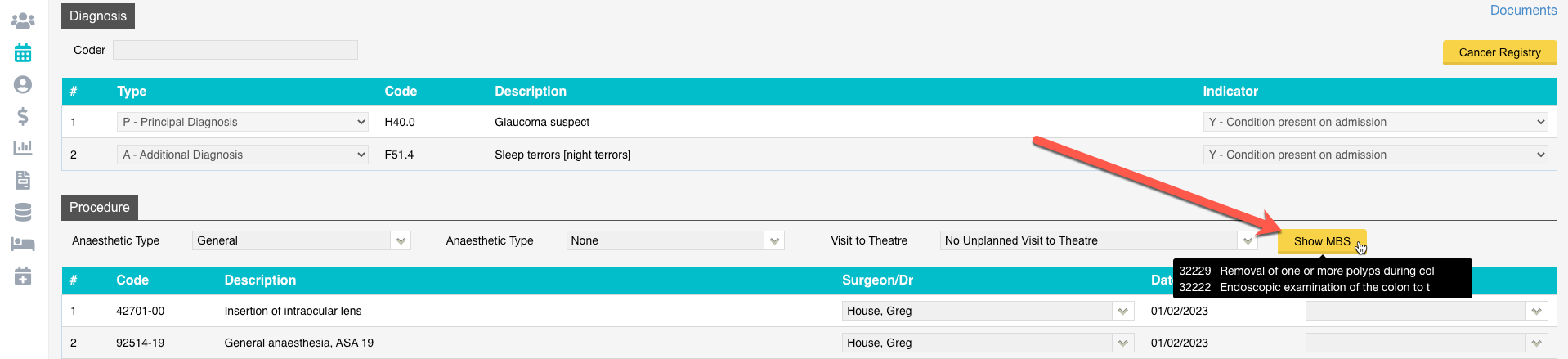
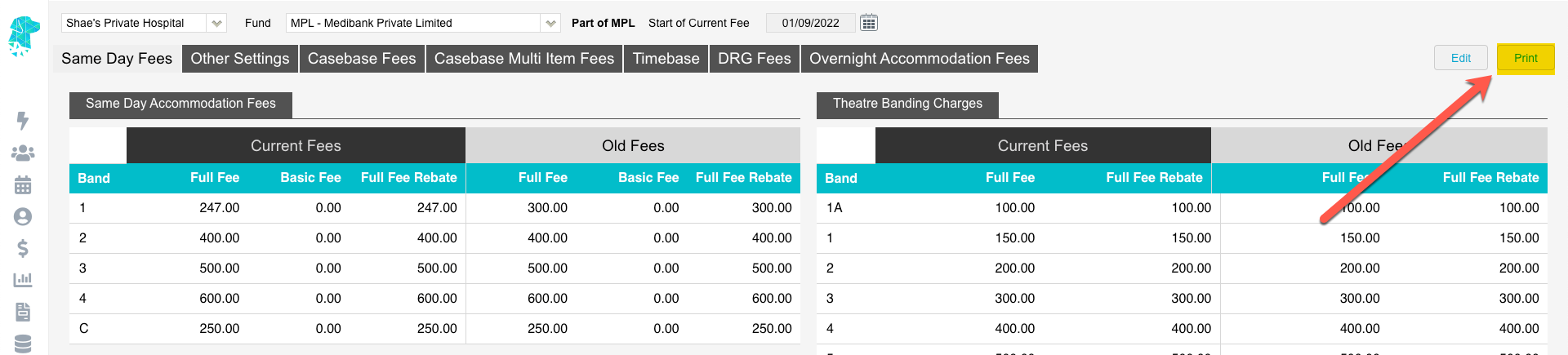
1st of November MBS & Procedure Bandings

Has been added to FYDO.


Cancer Registry addition for Victoria

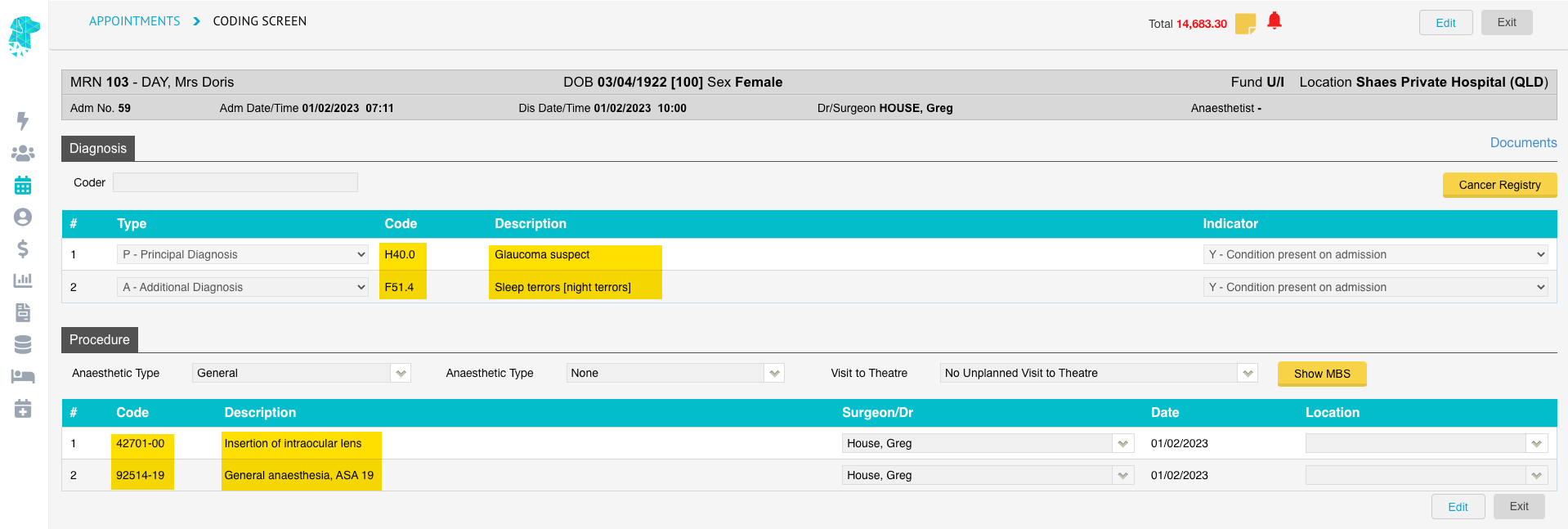
The Cancer Registry has been added to the coding screen for facilities in Victoria.
You can now extract the Cancer Registry data as a file, ready for monthly submission.


FYDO Hospital Update – October 2022

Discharge Screen Enhancement

The cursor will now appear in the Discharge Time field when opening the Discharge Screen. This will enable users to simply type the discharge time without having to click in the field first.
Another addition to this field is a Double Click. When the user double clicks in the Discharge Time field the current time will be pre-populated. This will assist users that are discharging in real time.

Preview & Print Eligibility Checks in Bulk

This new feature allows users to easily preview all eligibility checks that have been performed. There is also the option to select multiple OEC’s & print them at once.
This feature can be found in Claiming > Processing & Payment Reports > Eligibility Checks Tab. A list of the OEC’s performed will be shown on the left & a preview will be shown on the right. Individual OEC’s can be downloaded or printed from this preview screen. Alternatively, use the tick boxes on the left to select any number of OEC’s to print at once. Then use the Select dropdown box & click Print PDF or Print Excel to generate a document that includes all selected OEC’s.


Arrears Interactive Report Additions

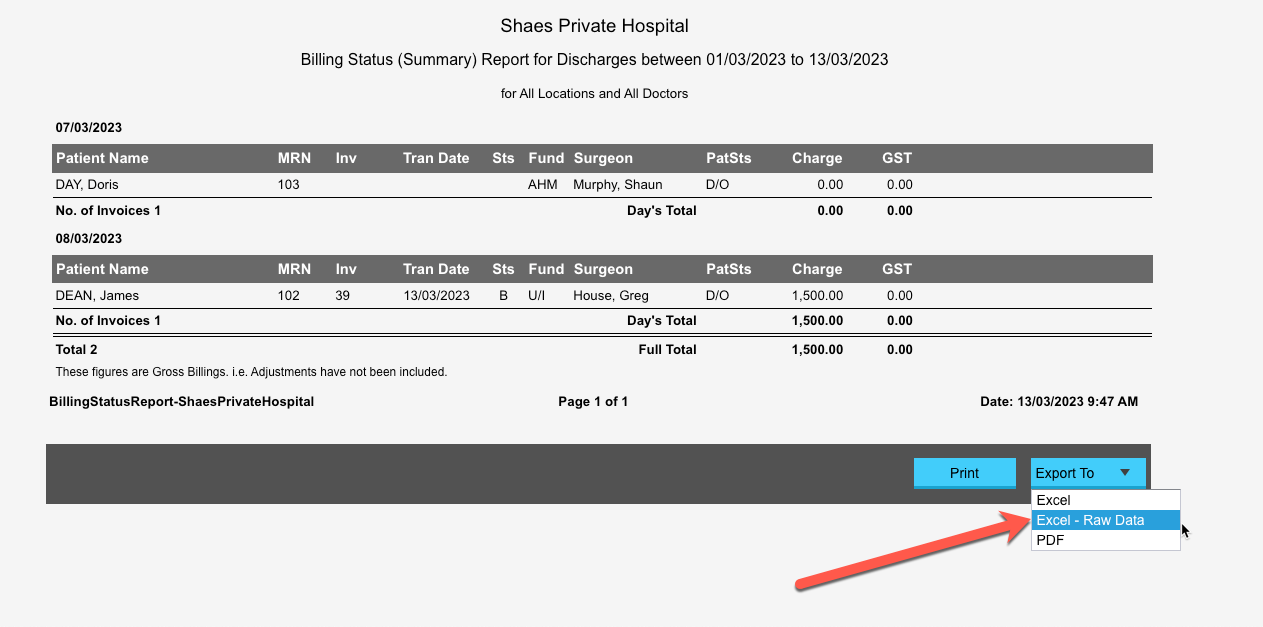
The option to Right-Click on a line in the Arrears Report, when in Interactive View, has been added. This allows the user to easily navigate to the History Screen for the episode selected. The Interactive view can also be exported to Excel – Raw Data.

New Permission Level – Editing Charges When Invoicing

You can now restrict a user groups’ ability to edit charges while billing, by switching the Create Invoice – Edit charges function to OFF, under the User Groups Permissions screen.

Session Information Displaying in Appointments Screen

Hovering over the theatre name will now enable users to view:

  • Session Times
  • Doctors Name
  • Anaesthetists Name
  • Number of Day Patients
  • Number of Inpatients

Adjust Invoice now opens in a separate tab

When selecting Invoice Options > Adjust Invoice, in the History/Episodes screen, the screen will now open in a new tab. This will enable users to simply close the tab, after performing the adjustment, to return to the screen they were working on.

New Uncoded Filter

There is now the option to view Uncoded episodes in the Appointments Screen by using the Filter dropdown & selecting Uncoded.

Payments Report Addition

The Admission Date has been added to the Payments Report.

Data Extract Improvements

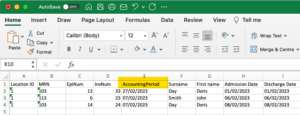
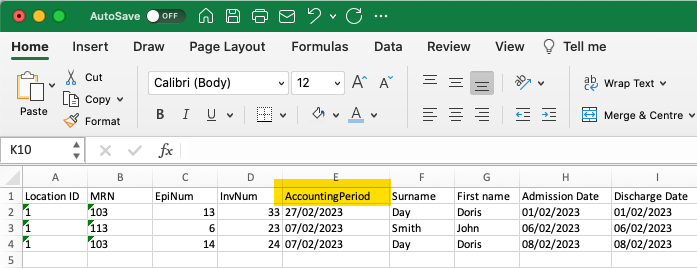
The Period column will now correctly sort files in date order.
The button, that was previously displayed as Submit, has been re-named to Prepare Extract & re-located to assist users in the process of getting the data ready to extract.

Addition of a New Billing Rule

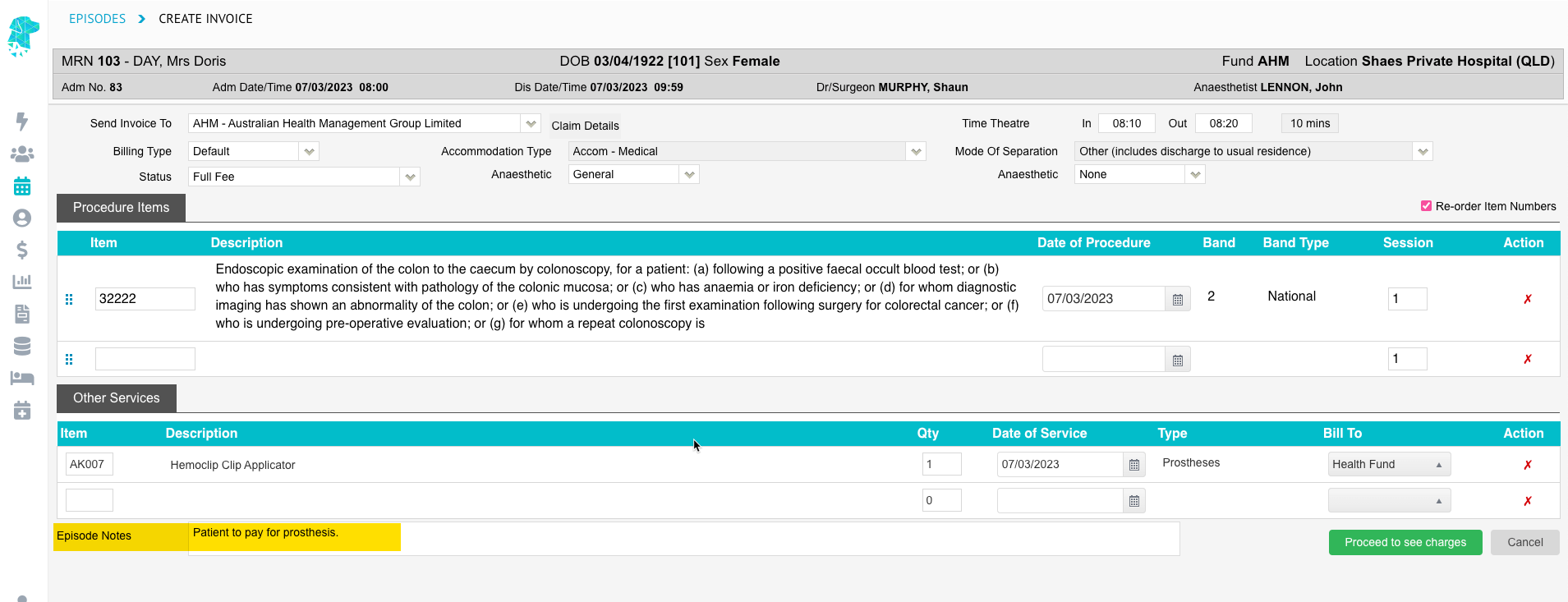
This new billing rule allows the combination of casebase and theatre banding fees, where secondary items do not have a casebase fee. Untick this feature if the health fund contract does not allow theatre bandings to be charged for subsequent item numbers.

Raising a ticket for support

When raising a ticket for FYDO support the user will now receive the information in an email notification as well. This will assist users in being able to see the tickets that they have raised.


Bug Fixes

  • The issue with the MRN search, from the Appointments Screen, has now been rectified.
  • The problem with the Bulk Print feature in Processing and Payments Reports > Payments has been fixed & multiple payments can be printed together again.


FYDO Clinic Update 04/11/2022

Bug Fixes

Users were unable to print in bulk on the “Processing and Payment Reports” screen. This has been fixed and users are able to print bulk processing and payments reports again.


FYDO Clinic Update 21/10/2022

Archive Batch

We have introduced a new option called ”Archive Batch” in the “Claiming Medical Screen”. This option allows users to archive a patient claim from the “Claiming Medical Screen” without removing it from the patients “Accounts” history.

Doctor/Room Pop Up

On the “Appointments” screen if you hover your cursor over a Doctor/Room tab it will pop up below with the Roster/Block information.


Processing and Payment Reports

Users can now search by payor, remittance id, servicing and payee doctor on the “Payments” screen.

Bug Fixes

Some users were experiencing loss of information on new letters not yet saved. To prevent this from happening, we have introduced an Autosave feature that will Autosave a letter every couple of minutes and a few seconds after typing is stopped. The last Autosaved performed will display in the top right hand corner below save and cancel icons.


FYDO Clinic Update 30/09/2022

Patient Name Pop Up

On the “Appointments” screen if you hover your cursor over a patient name it will now pop up below. This new feature allows the user to view a patients name in full regardless of its length.


Print List

New fields have been added to the “Print List” when exported in “Excel – Raw Data” format.
New fields include:

  • Patients Address
  • Patients Email Address
  • Patients Pension Number

Referring Provider Number

On the “Patient Details” screen under “Referring Details”, the user can now view the referring doctor’s provider number next to their name.


Bug Fixes

Users were experiencing an issue with the “Print Batch Details” function only printing the first items date of service and item note (if any) and repeating the same details on all items within a invoice. This bug has been fixed and users are able to “Print Batch Details” with the correct dates of service and item notes (if any).


FYDO Clinic Update 16/09/2022

Transactions (Clinic) Report

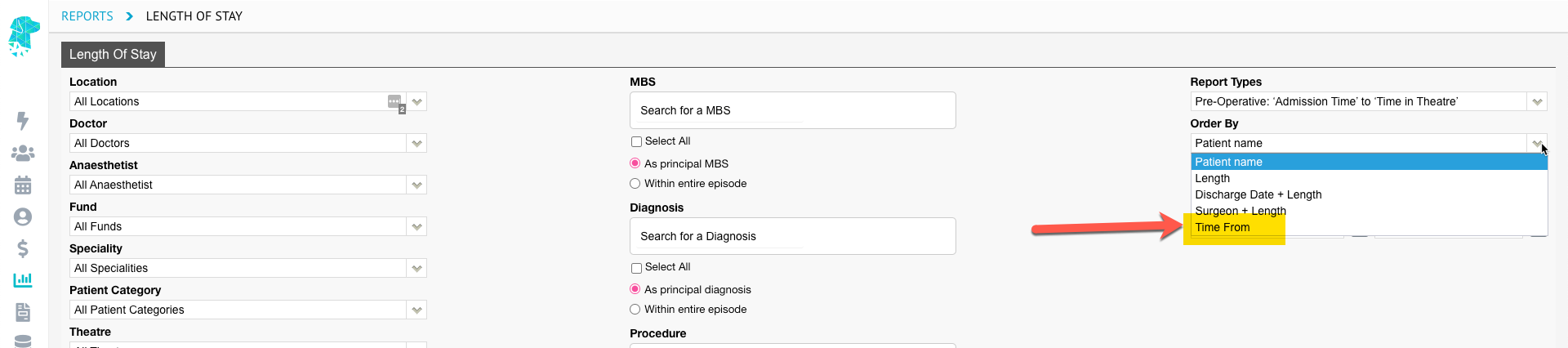
We have added a new option “Order By” to the “Transactions (Clinic)” Report.
This option allows the user to run the report in order by:

  • Alphabetically
  • Date of Service
  • Audit Date
  • Accounting Period


FYDO Clinic Update 09/09/2022

Claimant Details

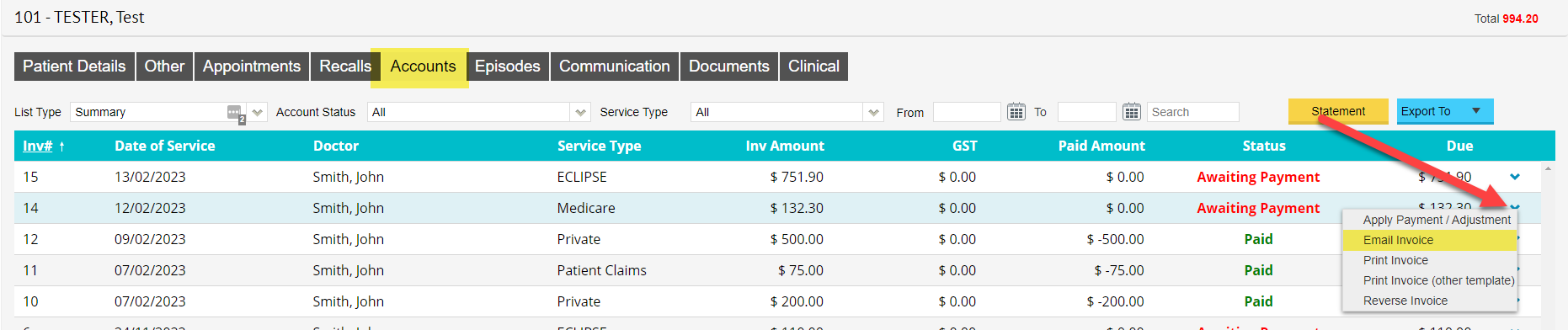
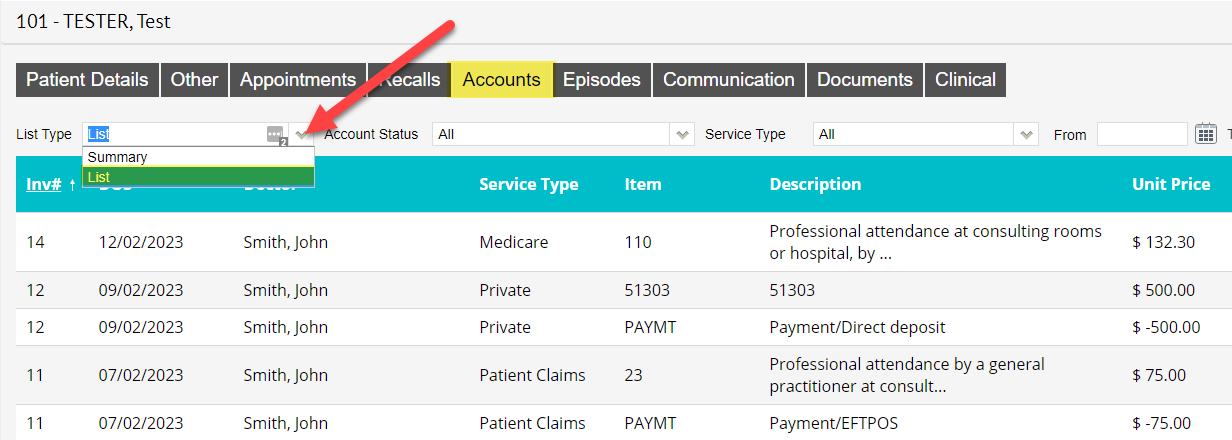
Patient Claim invoices now show the claimant details when viewing the invoice under ”Patient Details” > “Accounts”. (Note: This will only show if the claimant is not the patient)


FYDO Clinic Update 02/09/2022

24-Hour Time

The Appointment screen now displays all times in 24-hour time. This will be reflected if the users have toggled 24-hour time to be displayed in “Settings” > “System Configuration” screen.


Batch Listing Report / Appointments Report

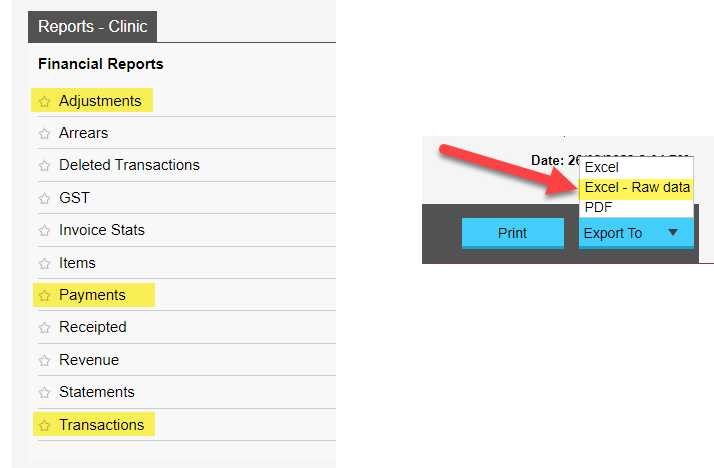
We have introduced two new reports called “Batch Listing” report and “Appointments”, they can be found in the reports menu under the “Reports – Clinic” tab as highlighted below. (The Batch Listing Report is similar to the report in eClaims known as Batch Summary Report).


Patient Stats Report

New filter option called  “Survey”  has been added to the “Patient Stats” report. Survey data can be entered in the the “Patient Details” screen under the “Survey” field. This field is used to record how the patient found/heard about your clinic.


Middle Name Field

We have replaced the the field “M” with “Middle Name” in the “Patient Details” screen. The new updated field allows a full middle name to be typed, before the “M” field only allowed for an initial.


Dental Benefit Field

On the “Patient Details” screen there is now a field called “Dental Benefit”. This field works by the user entering the patients dental benefit amount and when invoicing to Medicare/Veterans it will deduct the invoice total from this value. To turn this feature on go to “Settings” > “System Configuration” and tick “Calculate Dental Benefit” tick box.


Treatment Location

Update to the “Treatment Location” drop down for Veterans billings. Home visit, residential care facility, community health centre or hostel are now consolidated into one option as per Medicare web services rule.


Processing and Payment Report

New filter option “Location” has been added in the “Processing and Payment Reports” screen. The filter works by filtering the processing or payment reports by a specific location.


Print Note

We have added the option “Print Note” in the “History Notes” screen. This option allows the user to download a clinical note as a PDF and print.


FYDO Hospital Update 22/07/2022

Mandatory Admission Fields

We have upgraded the admission screen that will now enforce mandatory fields to be entered in the patient screen to enable the user to move forward to the admission screen. Below is the prompt warning that will alert a user to go back and update those fields, if the user selected the green “Go to patient screen” button they will be able to add the appropriate details immediately.

To turn on this feature the administrator will be required to do so through the system configuration in settings. Highlight below is the checkbox required to be ticked.

Monthly Activity Report

For overnight facilities, we have now introduced a “Monthly Activity Report”. This is similar to the report used in Simday to obtain monthly activity figures and can be found in the reports menu under the “Reports – Hospital” tab as highlighted below.