FYDO Hospital Bug Fixes 15/07/2022

  • Users were experiencing an issue on the coding screen where the copy previous coding option would disappear after going into the EMR function. This bug has been fixed and users will now still be able to use the copy previous coding function after entering the EMR function.


FYDO Hospital Update 15/07/2022

24-Hour Time

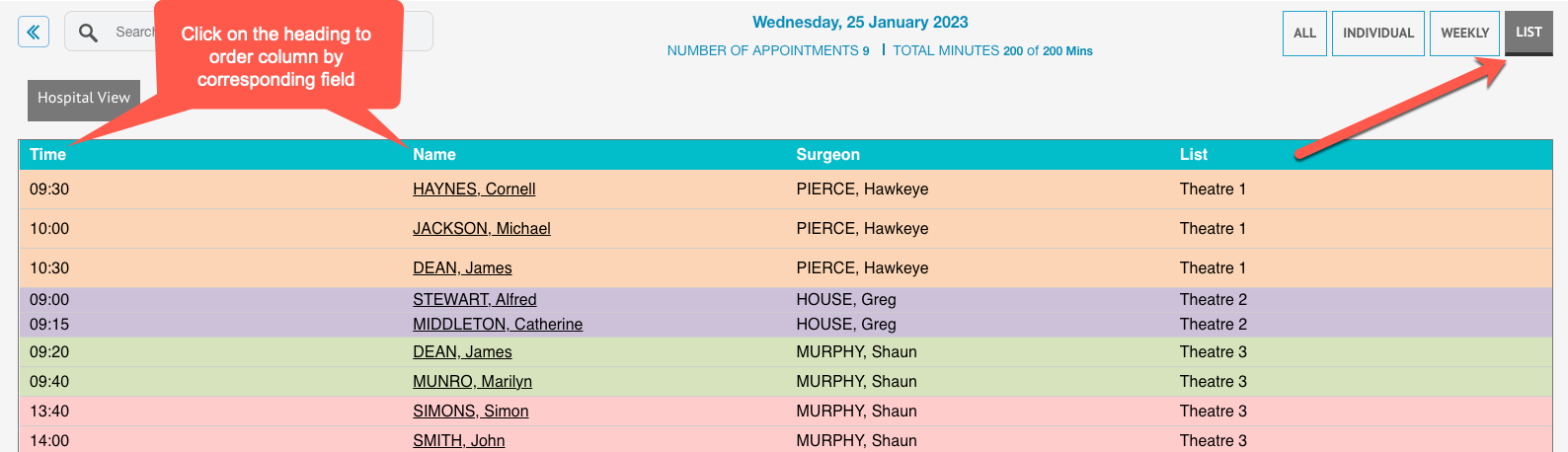
The Edit Episode/Appointment screen now displays all times in 24-hour time. This will be reflected if the users have toggled 24-hour time to be displayed in the Settings screen.


Positioned Time

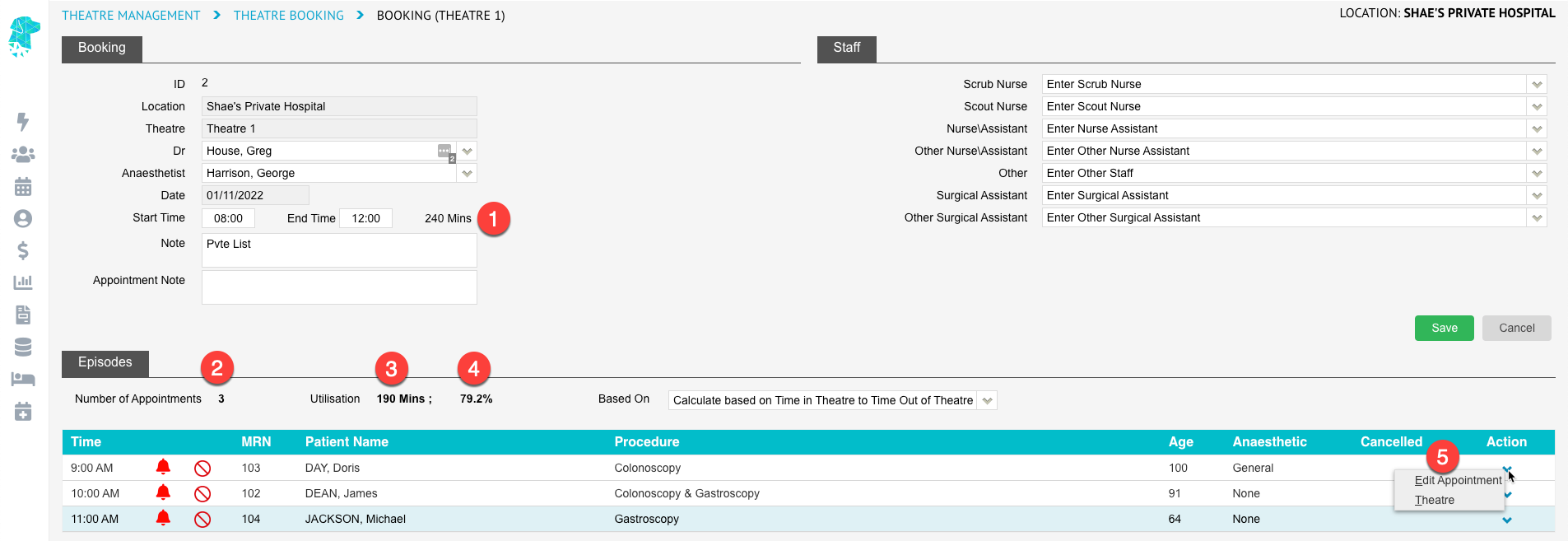
The Theatre screen now has an additional time, called Positioned Time, which is an optional time. This time is for recording the time the patient was positioned correctly for surgery. This would be of more importance to Orthopaedic surgery where it can take considerable time to position the patient correctly.


Bell Animation

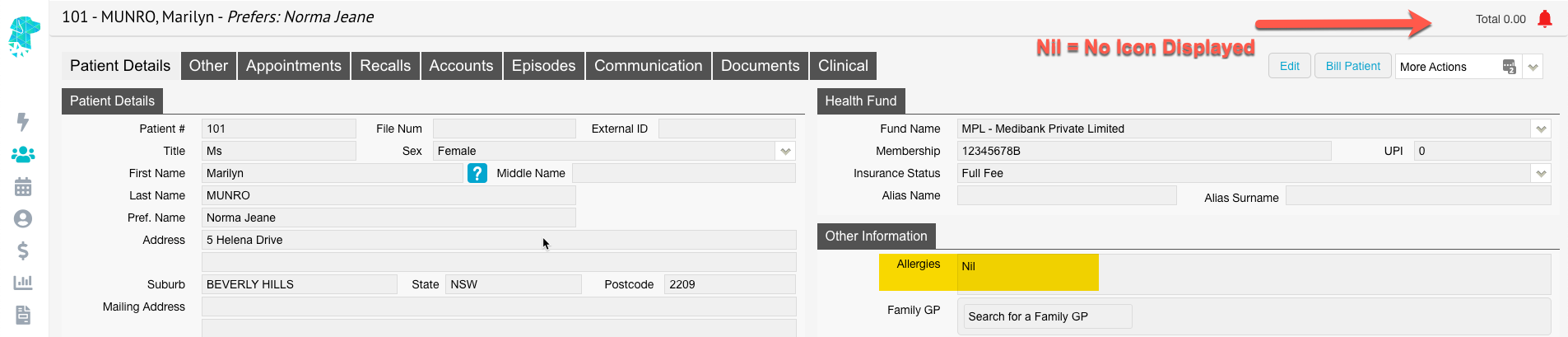
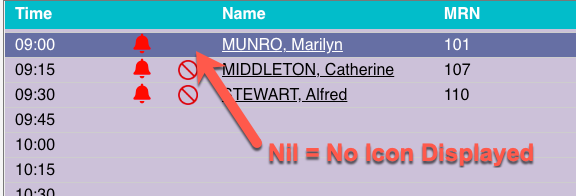
We have removed the animation of the bell for patient alerts on both the appointment list and the patient demographic pages. We hope this will allow our users to no longer feel motion sickness when viewing alerts!


Contact Details

The patient demographics page has been updated in the contact person details. When a user selects the option to “Copy Patient Details” when entering a NOK/Emergency Contact, FYDO will now default copy to patients mailing address instead of residential.


Bug Fixes

  • Users were experiencing an issue on the coding screen where the copy previous coding option would disappear after going into the EMR function. This bug has been fixed and users will now still be able to use the copy previous coding function after entering the EMR function.
  • The appointment screen has now been updated to include an option of entering “Bed Notes” for overnight/inpatient bookings. This will allow the user to enter any notes relevant to the patient’s overnight stay/nursing staff to update notes for handover.


FYDO Hospital Update 02/06/2022

Financial Notes – Next Follow Up

This week’s update has include a super helpful follow up tool for debt collection. To access this new feature, when you are in the patients episode/history screen, select “Financial Notes” in the bottom left note section, and it will now bring up an empty date field.

Once entering a date into this field when completing your financial follow ups, it will flow through into our new interactive reporting detailed in this update (see below). Users will be able to filter their arrears report based off this next follow up date. This will make it user-friendly in following up outstanding debts in a timely manner.


Interactive Arrears Report – Phase 1

We are improving the way our users can utilize FYDO’s reporting functions and have released phase 1 of our interactive reporting. We have started with the arears report. There is now an option under Reports Types called “Interactive.”

When interactive mode is selected, users will be able to view their outstanding debt (arrears), defined down to patient specifics.

When entering a next follow up date on the patient episode screen, this report will now enable a user to filter their arrears report by next follow up. The options will include: all, date not set, future, today, as well as today and overdue. When selecting today and overdue for example, it will show the user any invoice that is due or overdue based on the Next Follow Up date..

This is just phase 1 of this interactive report, we plan to add a right click menu that will allow you to go to the patient screen, the history screen etc. However we wanted to release phase 1 and wait for further feedback and then work on phase 2.


QLD Hospitals ONLY: Changes to the admission state specific data

Our QLD Facilities will notice that an additional 5 drop down menus have been added to the admission screen. This is to allow for QLD Mental Health sites to submit data to QLD as an updated prerequisite for reporting. The 5 highlighted drop down options below only apply to mental health sites and can be ignored by all other sites.


FYDO Hospital Update 24/05/2022

New Check Boxes

FYDO has been updated to include a new check box functions to make completing your OEC and pre-admissions tasks easier to view. On the Edit Appointment screen, underneath the “other notes” free text box, there are now four check box options: OEC Received, OEC Checked, Admission Form Received, and Chart Ready. When these actions take place, users can manually check the box which will correspond to a green tick on the appointment screen, these will also be recorded in the audit trail.

Please keep in mind these green ticks do not naturally show on your default Appointment layout. You will need to create a custom view and add these green ticks if you wish to see them.

Theatre Roster Monthly Views

FYDO Theatre Roster Monthly view has now been updated to show the number of patients booked for each session showing on the main screen without having to click into each session.

24hr Time

Users can now select to view their Appointments in 24hr time. To do this, the user simply needs to go to settings > System Configuration > Appointment Display Time and select 24hour time.

If you do not have permission to make these changes you will need to speak to someone within your organisation that does have access.

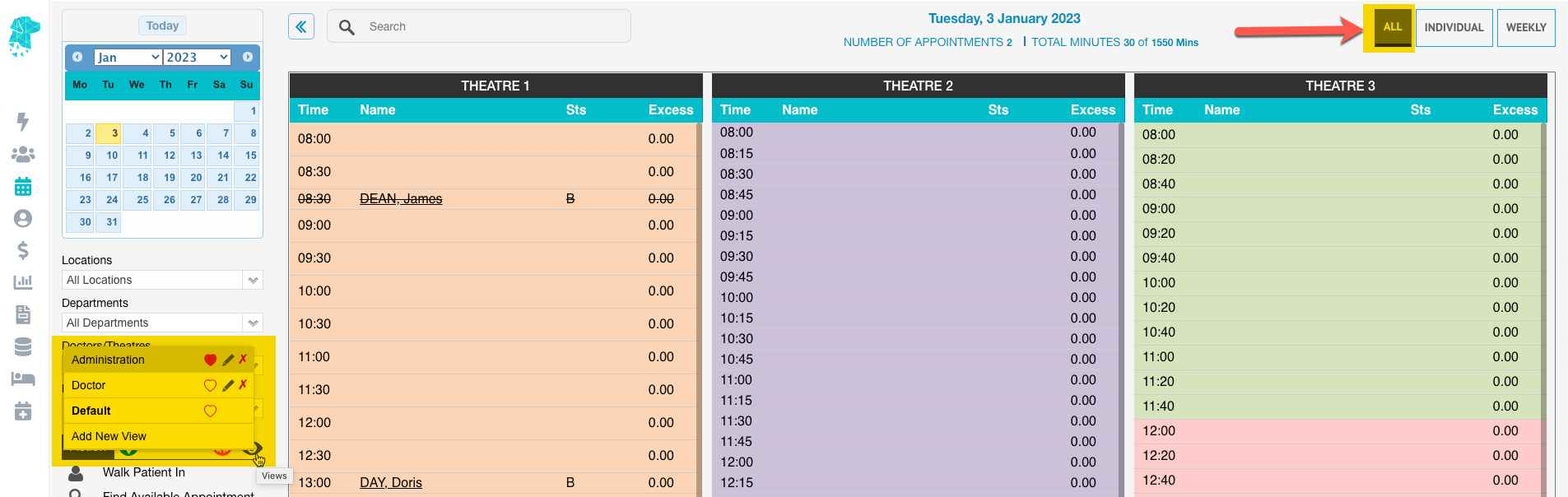
Default View Update

FYDO has rolled out a fantastic new and useful tool on the main appointments screen where you can now create your own relevant customised appointment screen. Once you have tailored your appointment screen to include all columns suitable to your needs, simply save this view and it will be visible to all staff at your site. You can also favourite this view by selecting the heart icon which will make FYDO default to this view when opening the appointment screen.