FYDO Clinic Update 21/10/2022
Archive Batch
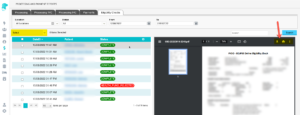
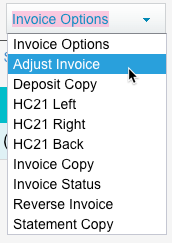
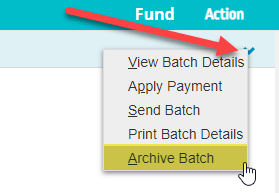
We have introduced a new option called ”Archive Batch” in the “Claiming Medical Screen”. This option allows users to archive a patient claim from the “Claiming Medical Screen” without removing it from the patients “Accounts” history.
Doctor/Room Pop Up
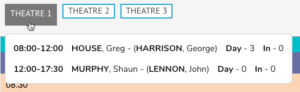
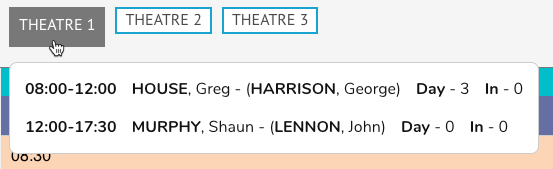
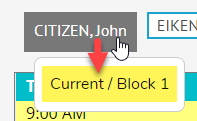
On the “Appointments” screen if you hover your cursor over a Doctor/Room tab it will pop up below with the Roster/Block information.
Processing and Payment Reports
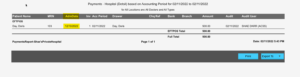
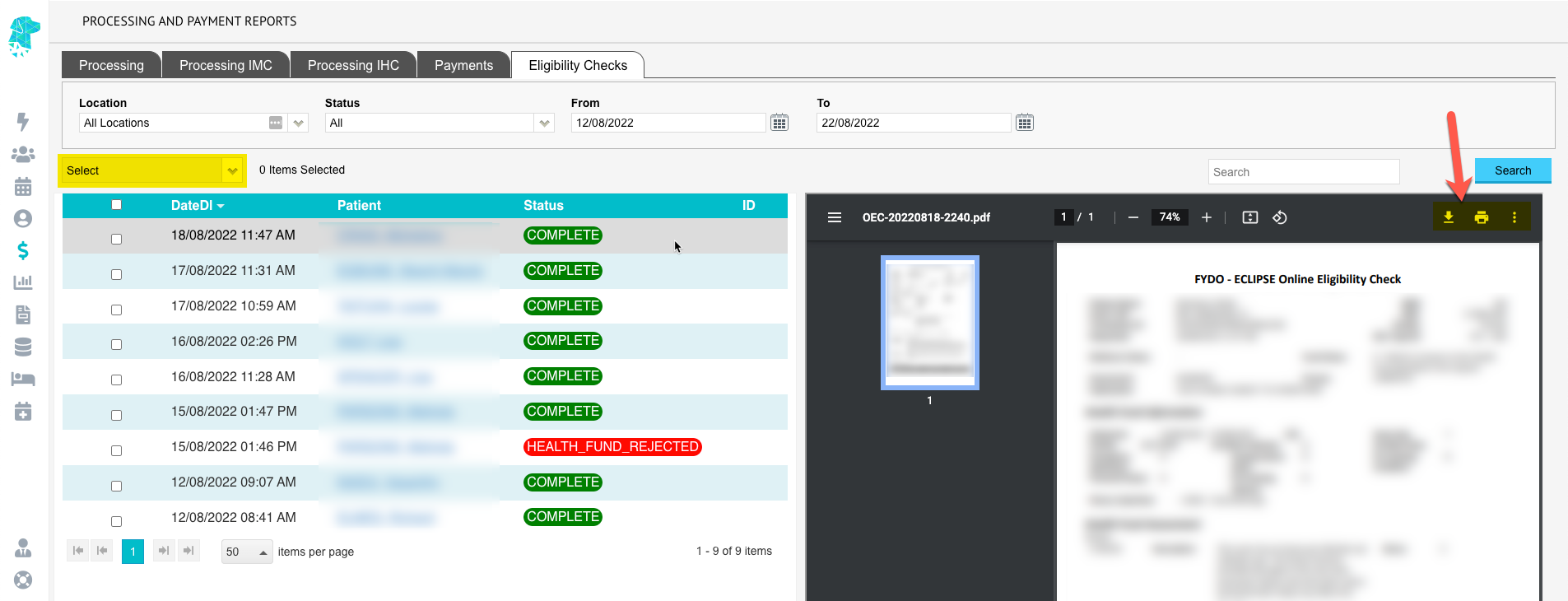
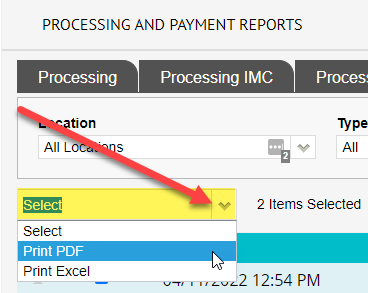
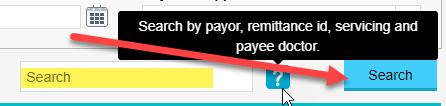
Users can now search by payor, remittance id, servicing and payee doctor on the “Payments” screen.
Bug Fixes
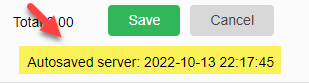
Some users were experiencing loss of information on new letters not yet saved. To prevent this from happening, we have introduced an Autosave feature that will Autosave a letter every couple of minutes and a few seconds after typing is stopped. The last Autosaved performed will display in the top right hand corner below save and cancel icons.
FYDO Clinic Update 30/09/2022
Patient Name Pop Up
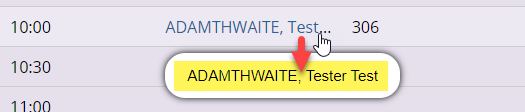
On the “Appointments” screen if you hover your cursor over a patient name it will now pop up below. This new feature allows the user to view a patients name in full regardless of its length.
Print List
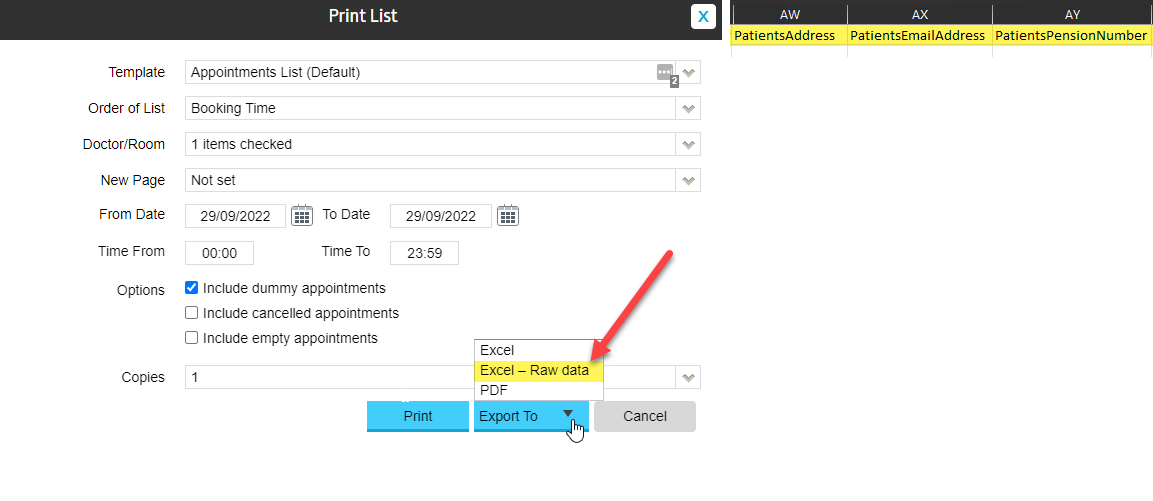
New fields have been added to the “Print List” when exported in “Excel – Raw Data” format.
New fields include:
- Patients Address
- Patients Email Address
- Patients Pension Number
Referring Provider Number
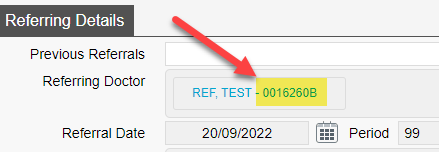
On the “Patient Details” screen under “Referring Details”, the user can now view the referring doctor’s provider number next to their name.
Bug Fixes
Users were experiencing an issue with the “Print Batch Details” function only printing the first items date of service and item note (if any) and repeating the same details on all items within a invoice. This bug has been fixed and users are able to “Print Batch Details” with the correct dates of service and item notes (if any).
FYDO Clinic Update 16/09/2022
FYDO Clinic Update 09/09/2022
FYDO Clinic Update 02/09/2022
24-Hour Time
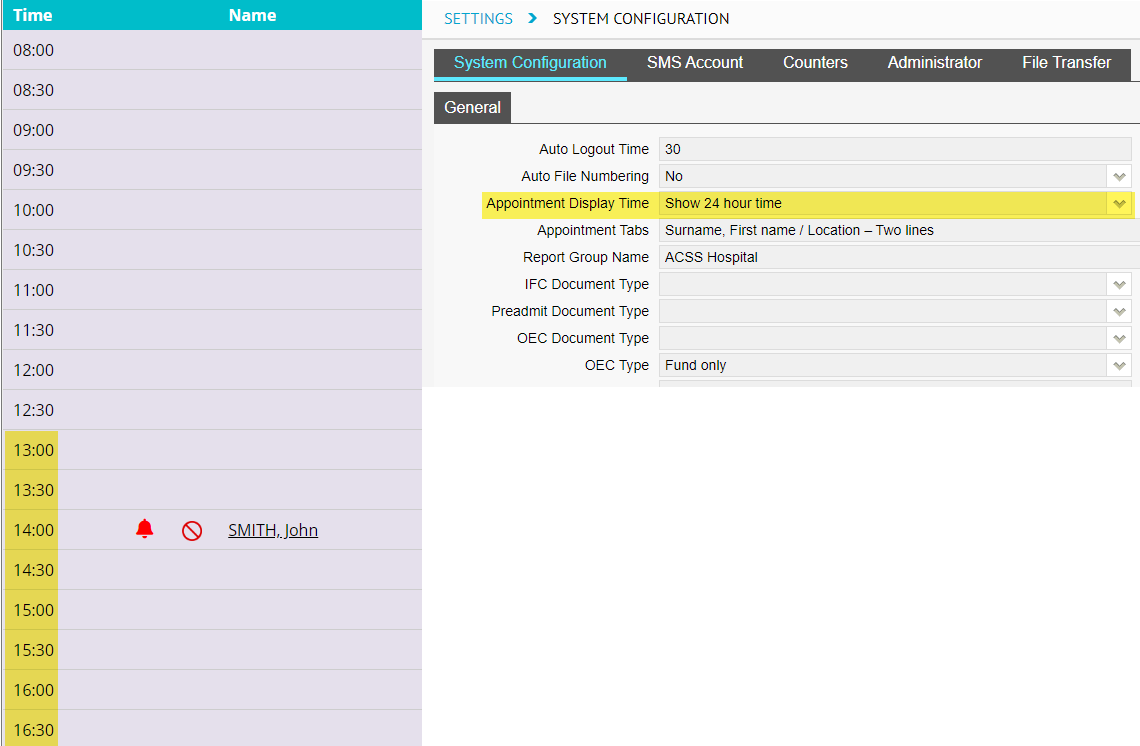
The Appointment screen now displays all times in 24-hour time. This will be reflected if the users have toggled 24-hour time to be displayed in “Settings” > “System Configuration” screen.
Batch Listing Report / Appointments Report
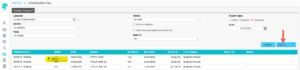
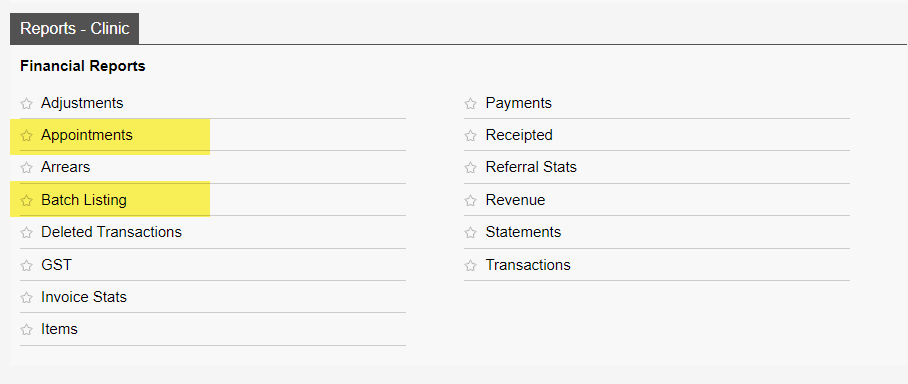
We have introduced two new reports called “Batch Listing” report and “Appointments”, they can be found in the reports menu under the “Reports – Clinic” tab as highlighted below. (The Batch Listing Report is similar to the report in eClaims known as Batch Summary Report).
Patient Stats Report
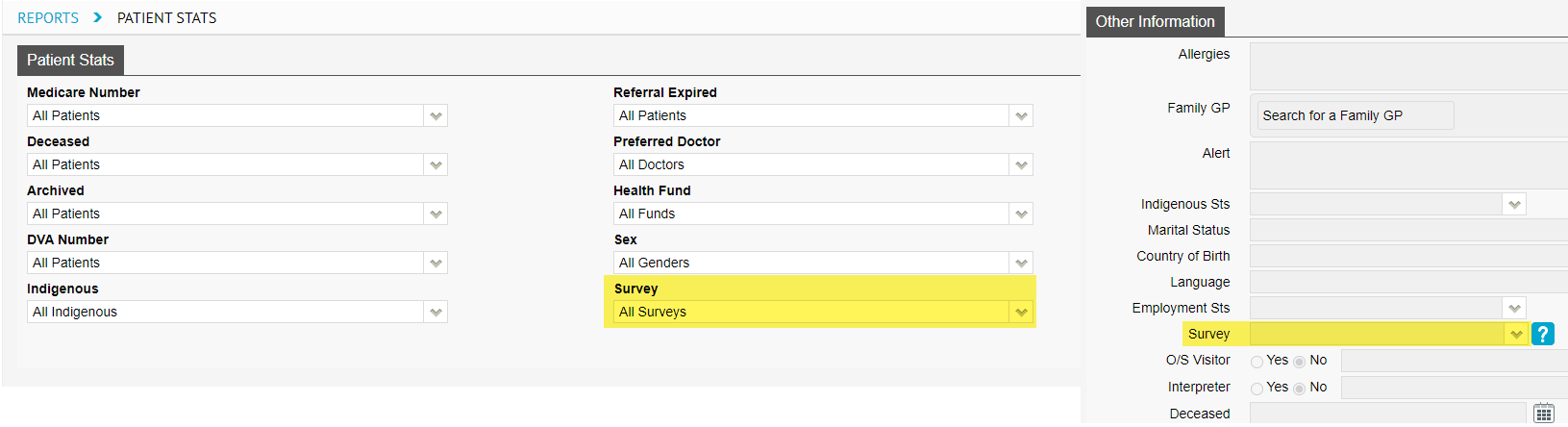
New filter option called “Survey” has been added to the “Patient Stats” report. Survey data can be entered in the the “Patient Details” screen under the “Survey” field. This field is used to record how the patient found/heard about your clinic.
Middle Name Field
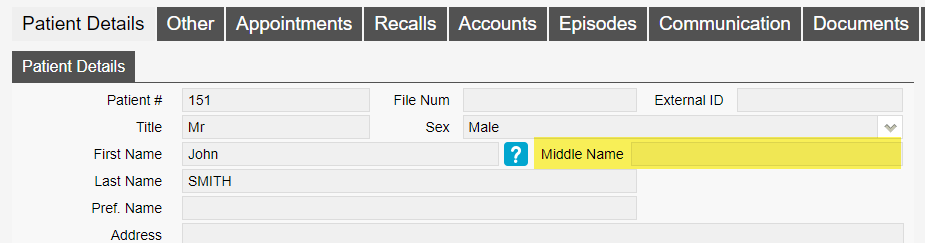
We have replaced the the field “M” with “Middle Name” in the “Patient Details” screen. The new updated field allows a full middle name to be typed, before the “M” field only allowed for an initial.
Dental Benefit Field
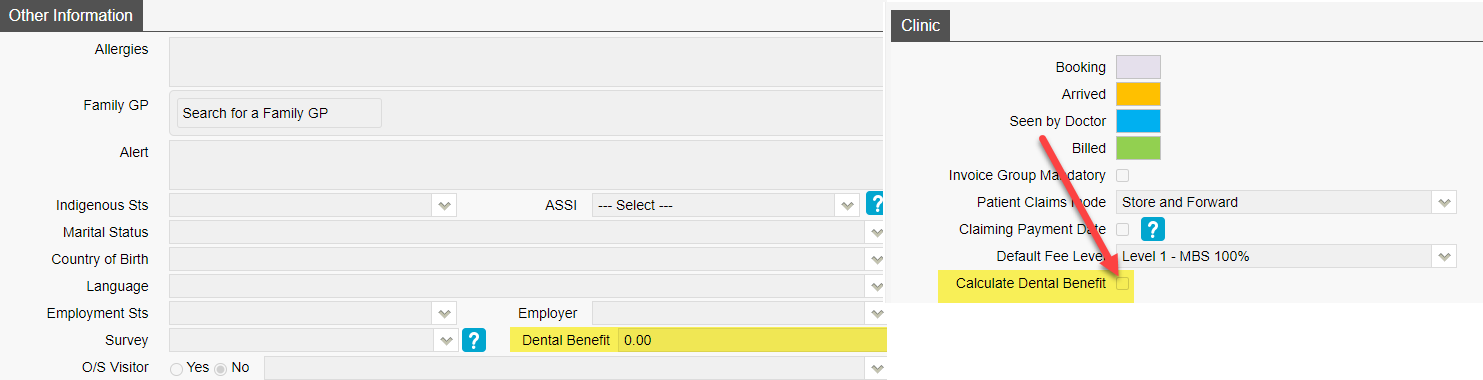
On the “Patient Details” screen there is now a field called “Dental Benefit”. This field works by the user entering the patients dental benefit amount and when invoicing to Medicare/Veterans it will deduct the invoice total from this value. To turn this feature on go to “Settings” > “System Configuration” and tick “Calculate Dental Benefit” tick box.
Treatment Location
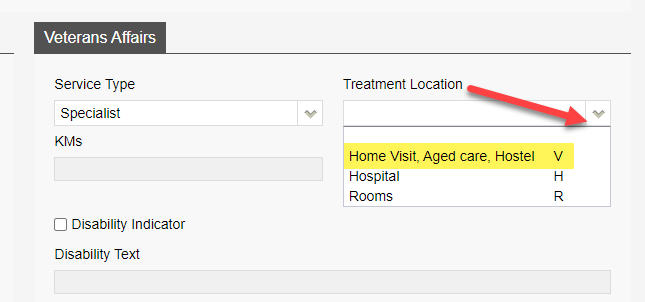
Update to the “Treatment Location” drop down for Veterans billings. Home visit, residential care facility, community health centre or hostel are now consolidated into one option as per Medicare web services rule.
Processing and Payment Report
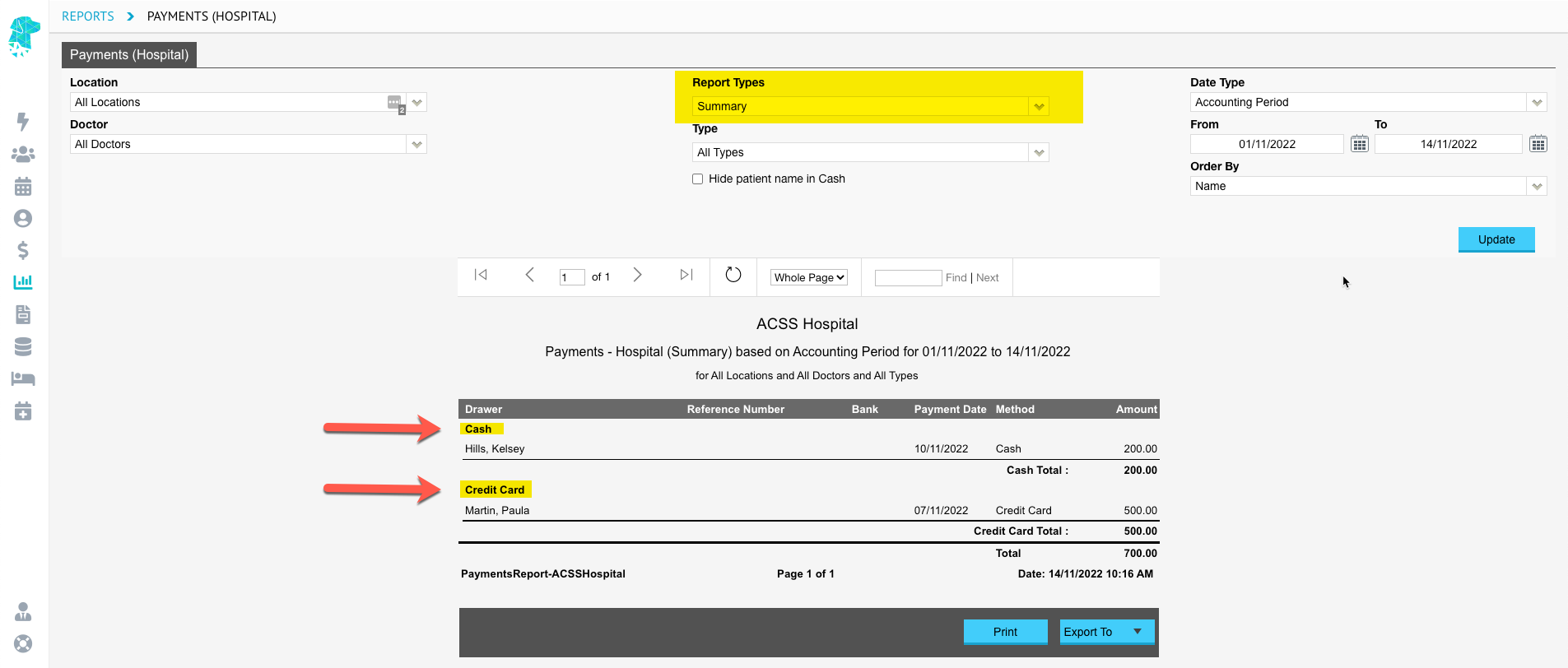
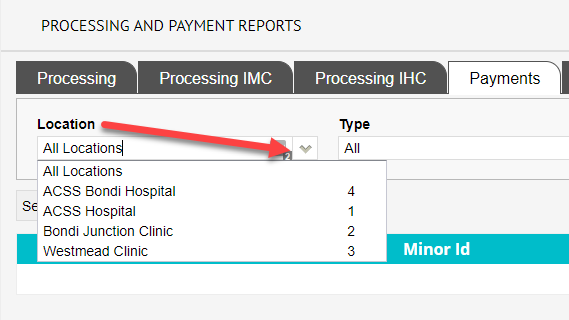
New filter option “Location” has been added in the “Processing and Payment Reports” screen. The filter works by filtering the processing or payment reports by a specific location.
Print Note
We have added the option “Print Note” in the “History Notes” screen. This option allows the user to download a clinical note as a PDF and print.
FYDO Hospital Update 22/07/2022
Mandatory Admission Fields
We have upgraded the admission screen that will now enforce mandatory fields to be entered in the patient screen to enable the user to move forward to the admission screen. Below is the prompt warning that will alert a user to go back and update those fields, if the user selected the green “Go to patient screen” button they will be able to add the appropriate details immediately.

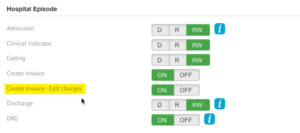
To turn on this feature the administrator will be required to do so through the system configuration in settings. Highlight below is the checkbox required to be ticked.
Monthly Activity Report
For overnight facilities, we have now introduced a “Monthly Activity Report”. This is similar to the report used in Simday to obtain monthly activity figures and can be found in the reports menu under the “Reports – Hospital” tab as highlighted below.
FYDO Hospital Bug Fixes 15/07/2022
- Users were experiencing an issue on the coding screen where the copy previous coding option would disappear after going into the EMR function. This bug has been fixed and users will now still be able to use the copy previous coding function after entering the EMR function.
FYDO Hospital Update 15/07/2022
24-Hour Time
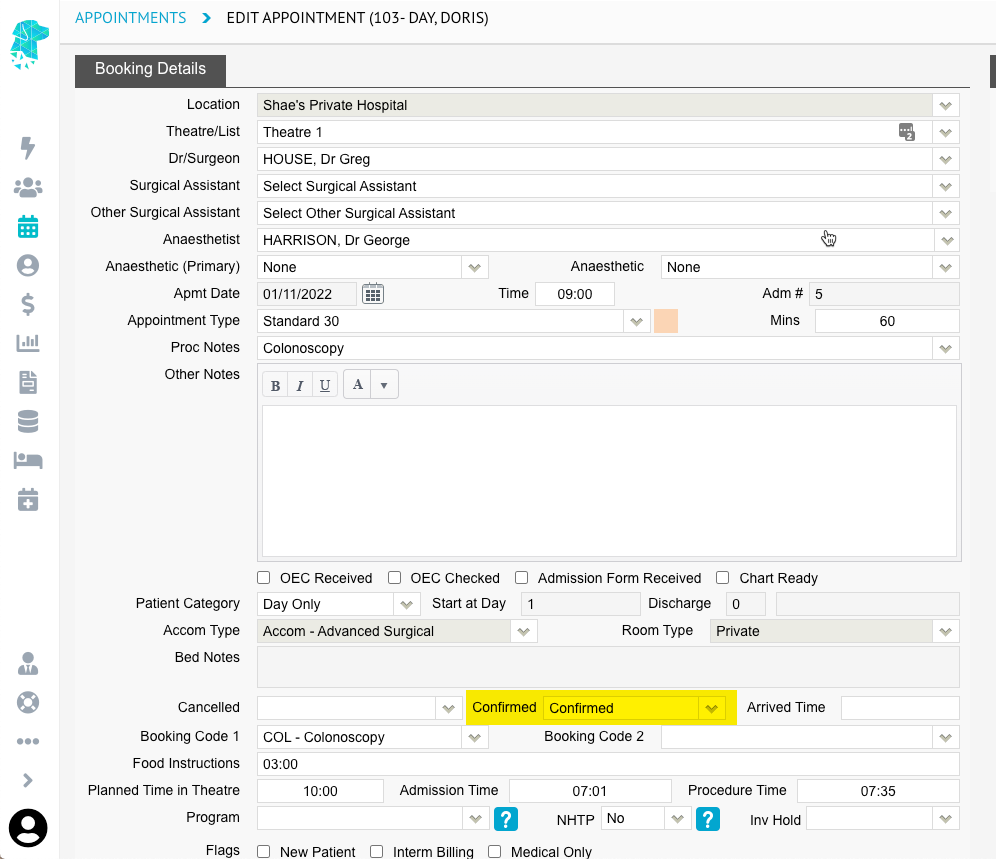
The Edit Episode/Appointment screen now displays all times in 24-hour time. This will be reflected if the users have toggled 24-hour time to be displayed in the Settings screen.
Positioned Time
The Theatre screen now has an additional time, called Positioned Time, which is an optional time. This time is for recording the time the patient was positioned correctly for surgery. This would be of more importance to Orthopaedic surgery where it can take considerable time to position the patient correctly.
Bell Animation
We have removed the animation of the bell for patient alerts on both the appointment list and the patient demographic pages. We hope this will allow our users to no longer feel motion sickness when viewing alerts!
Contact Details
The patient demographics page has been updated in the contact person details. When a user selects the option to “Copy Patient Details” when entering a NOK/Emergency Contact, FYDO will now default copy to patients mailing address instead of residential.
Bug Fixes
- Users were experiencing an issue on the coding screen where the copy previous coding option would disappear after going into the EMR function. This bug has been fixed and users will now still be able to use the copy previous coding function after entering the EMR function.
- The appointment screen has now been updated to include an option of entering “Bed Notes” for overnight/inpatient bookings. This will allow the user to enter any notes relevant to the patient’s overnight stay/nursing staff to update notes for handover.

FYDO Hospital Update 02/06/2022
Financial Notes – Next Follow Up
This week’s update has include a super helpful follow up tool for debt collection. To access this new feature, when you are in the patients episode/history screen, select “Financial Notes” in the bottom left note section, and it will now bring up an empty date field.
Once entering a date into this field when completing your financial follow ups, it will flow through into our new interactive reporting detailed in this update (see below). Users will be able to filter their arrears report based off this next follow up date. This will make it user-friendly in following up outstanding debts in a timely manner.
Interactive Arrears Report – Phase 1
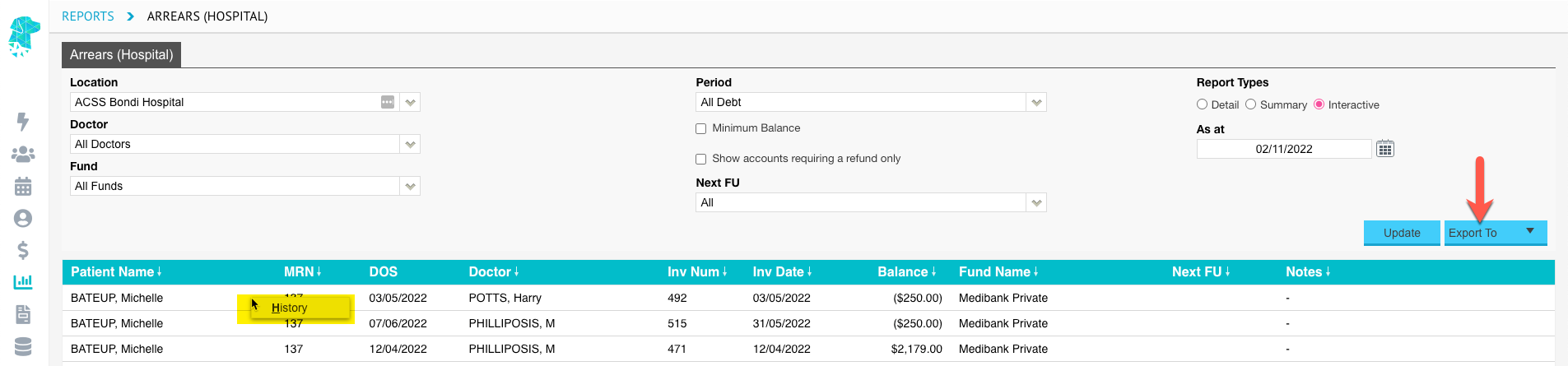
We are improving the way our users can utilize FYDO’s reporting functions and have released phase 1 of our interactive reporting. We have started with the arears report. There is now an option under Reports Types called “Interactive.”
When interactive mode is selected, users will be able to view their outstanding debt (arrears), defined down to patient specifics.
When entering a next follow up date on the patient episode screen, this report will now enable a user to filter their arrears report by next follow up. The options will include: all, date not set, future, today, as well as today and overdue. When selecting today and overdue for example, it will show the user any invoice that is due or overdue based on the Next Follow Up date..
This is just phase 1 of this interactive report, we plan to add a right click menu that will allow you to go to the patient screen, the history screen etc. However we wanted to release phase 1 and wait for further feedback and then work on phase 2.
QLD Hospitals ONLY: Changes to the admission state specific data
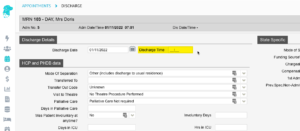
Our QLD Facilities will notice that an additional 5 drop down menus have been added to the admission screen. This is to allow for QLD Mental Health sites to submit data to QLD as an updated prerequisite for reporting. The 5 highlighted drop down options below only apply to mental health sites and can be ignored by all other sites.