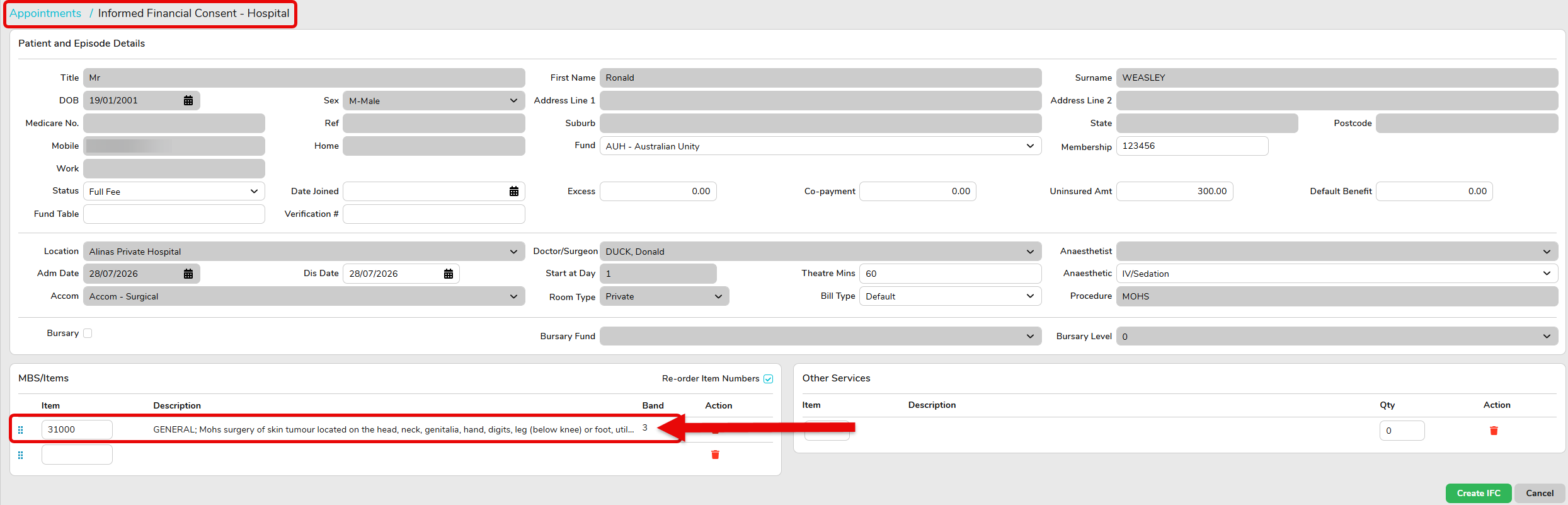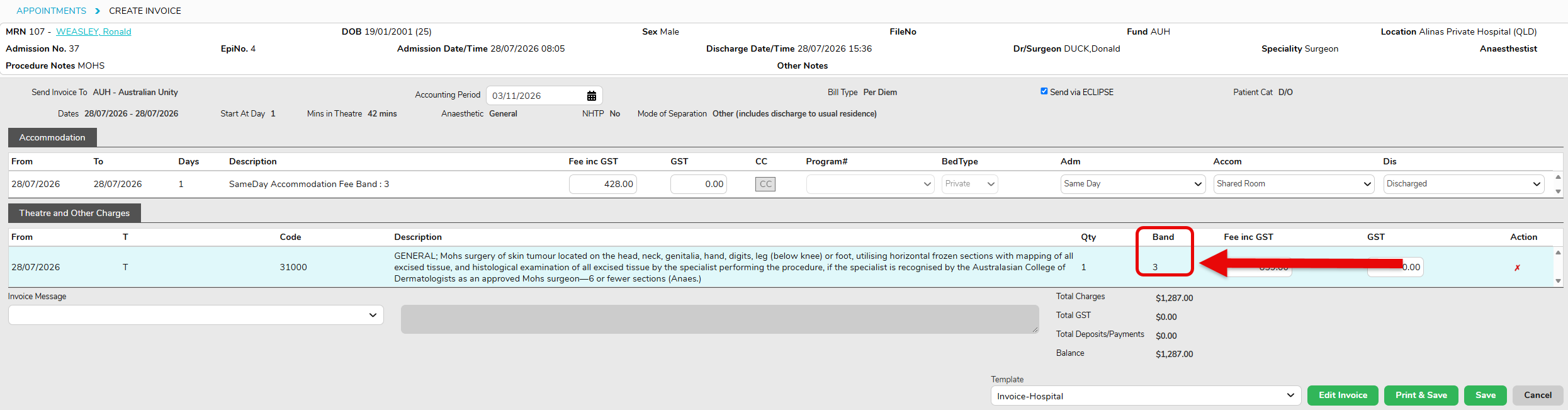

MBS Item Band Mapping
Some health funds include Band Mapping within their contracts that differs from the bands assigned to item numbers in the National Procedure Banding List.
As this information is specific to each hospital’s individual health fund contracts and is not publicly available, each hospital is responsible for reviewing and updating the Band Mapping for their own contracts to ensure it reflects their agreed contractual arrangements.
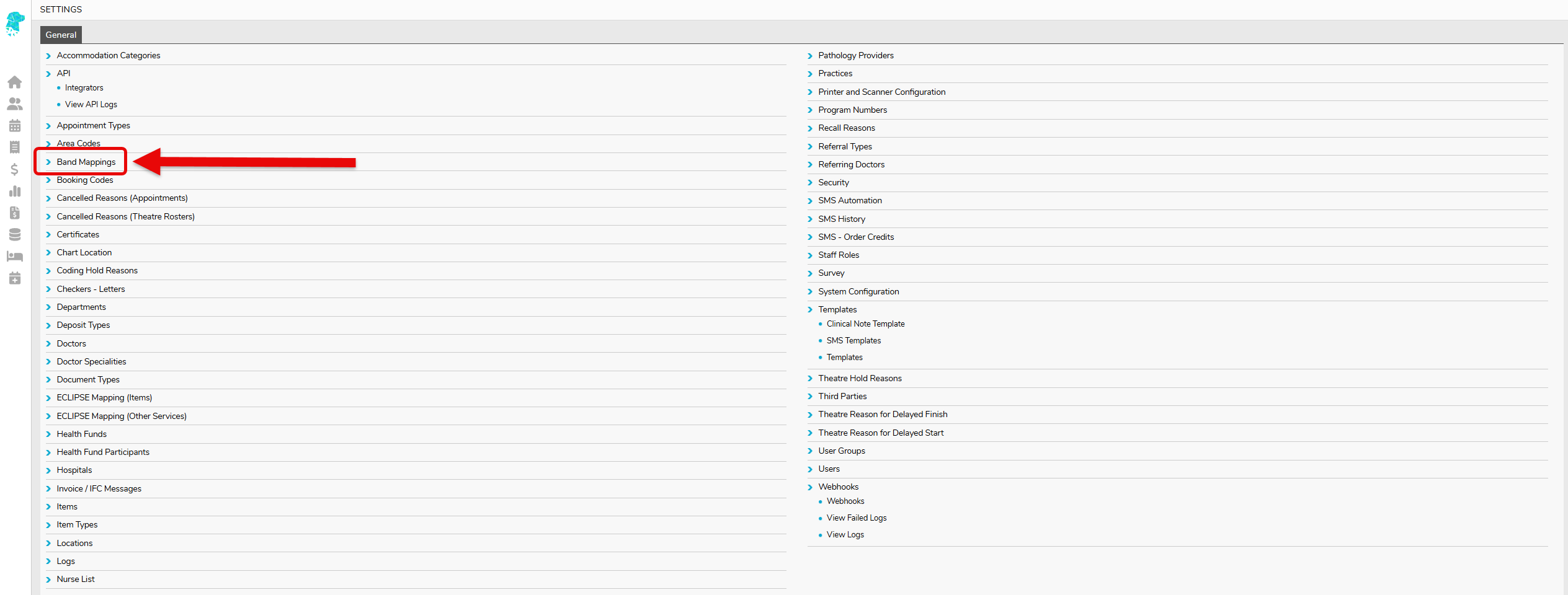
To add or update Band Mapping, go to Settings > Band Mapping
Here you will Add Band Mapping

To add in Band Mapping:
- Fund – select the fund or fund group, eg; AHS – Australian Health Service Alliance (Group)
- Item – enter the MBS item number
- Description – add a description is required, however this is not compulsary
- Band Mapping – enter the band mapping as per the document sent from the health fund
- Save

The Band Mapping you have just entered will now show on the Band Mapping screen

When creating an IFC and on billing, you will now see the banding you have added