
Make Recurring Hospital Appointment
Users can now utilise the Make Recurring feature to add multiple bookings for the same patient on a daily, weekly, monthly or yearly basis. Appointments can even be made on certain days of the week e.g. Mondays, Wednesdays and Fridays. This feature is particularly beneficial for rehab and mental health facilities, where daily admissions are common for specific programs.
Utilising this feature results in all the appointments being linked, which enables facilities to link program codes to all episodes, allowing FYDO to determine which days to apply step-downs.
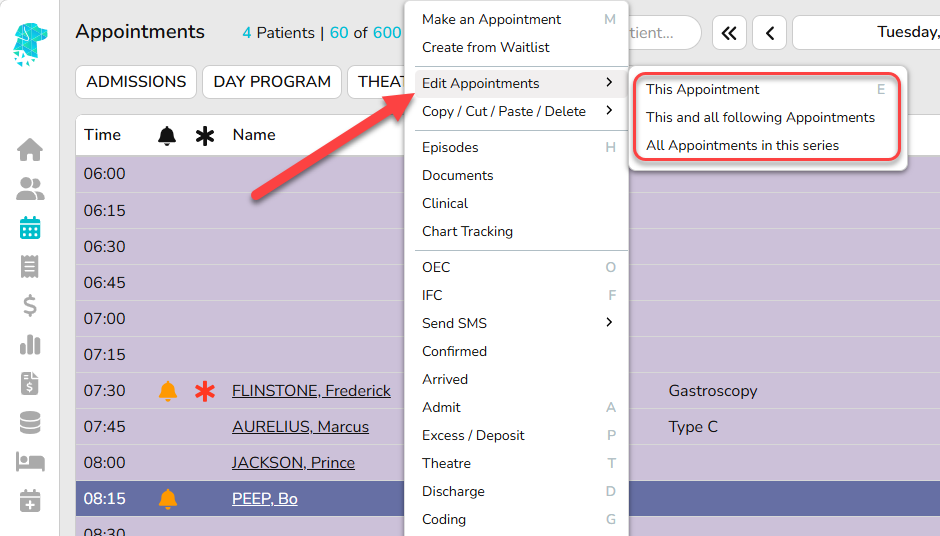
- Using the Right-Click menu, select Make Appointment.
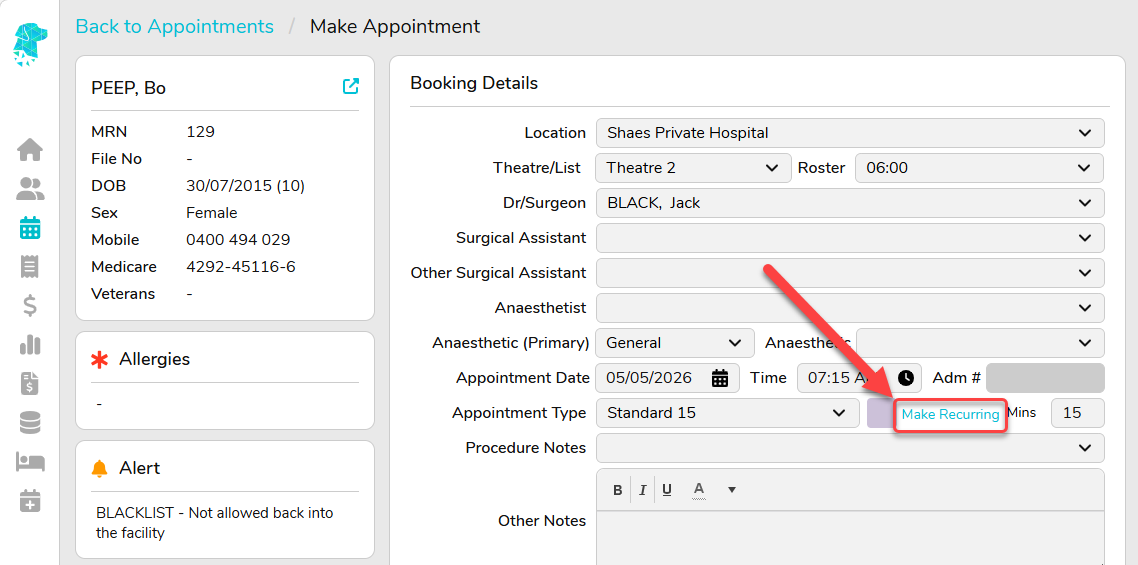
- Once you have selected your patient, and within the Edit Apt screen, click on Make Recurring.
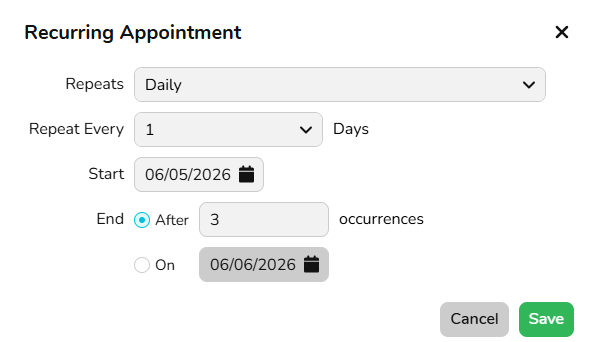
- Recurring Appointments can be configured using flexible Daily, Weekly, Monthly, or Yearly schedules, allowing appointments to repeat at customised intervals (e.g. every 2 days, every 3 weeks, the 1st Monday of each month, or annually on a specific date).
- Once you have made your selections, press Save.
Daily Recurring Appointment Example
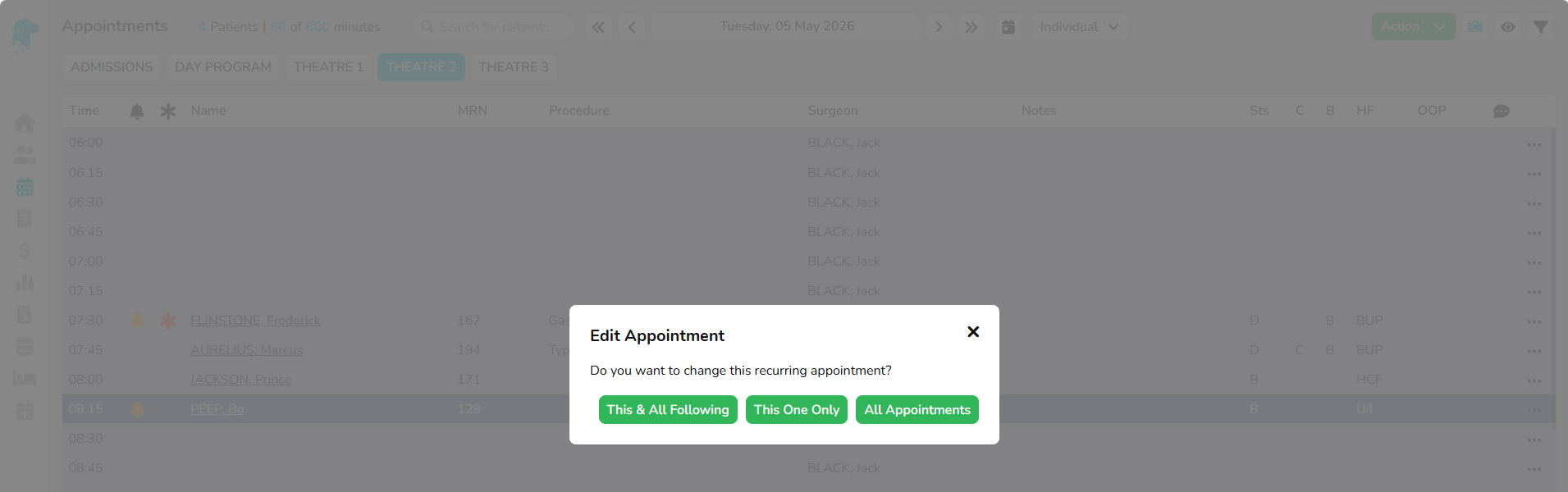
- Appointments in a recurring series also include additional options for Edit Appointments or Delete Appointments, which are:
– This Appointment
– This and all following Appointments
– All Appointments in this series.